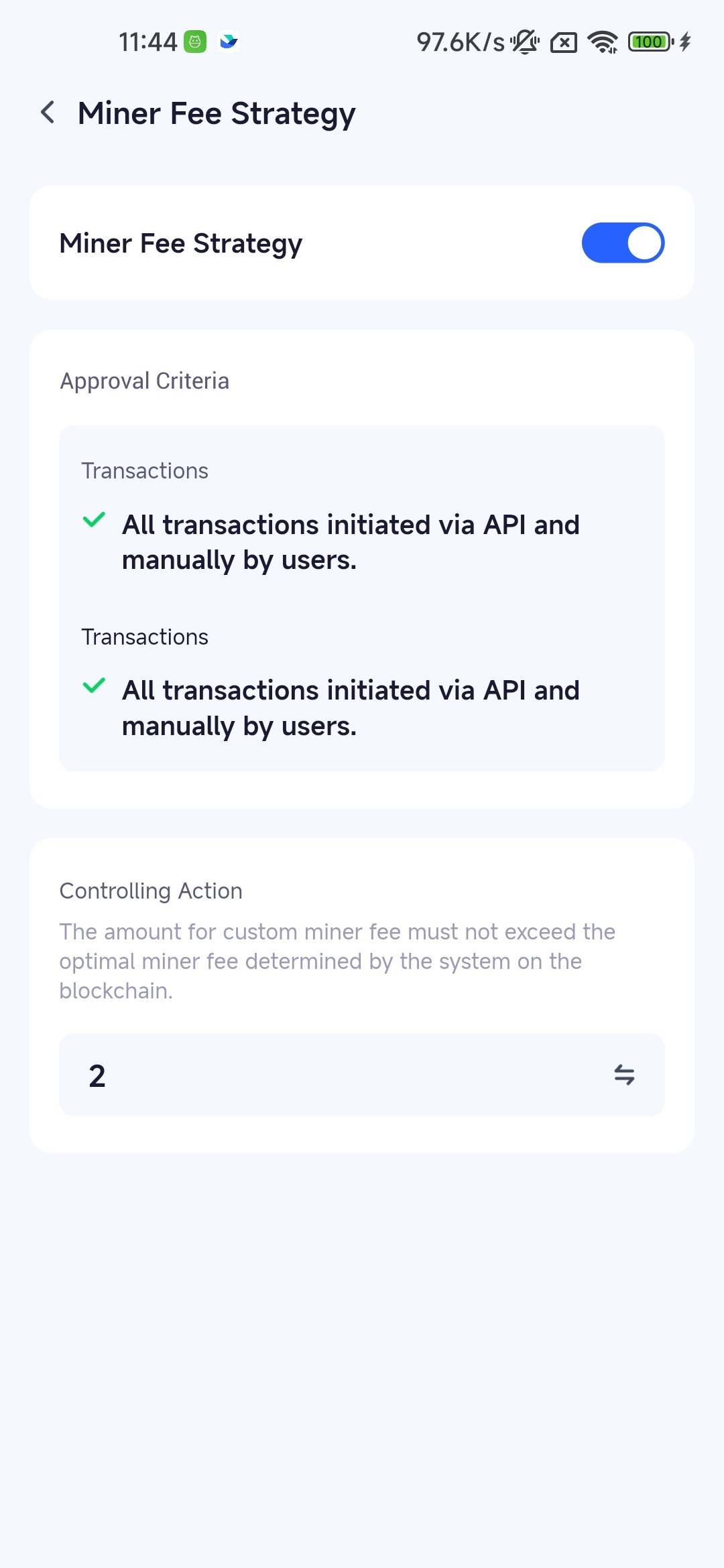
Function Introduction
Keysecure’s strategy engine allows workspace owner to enable and configure miner fee policies to prevent private key holders from maliciously or mistakenly setting excessively high custom miner fees, which could lead to financial losses. Miner fee strategy apply to all types of transactions. During the approval and signing stages, if an approver needs to customize the miner fee, the system will check whether the fee amount exceeds the preset limit according to the strategy, ensuring that financial losses do not occur due to excessively high fees entered by users.Management Scenarios
Management of transaction types: Covers all transactions, including manual withdrawals (transfers) and API withdrawals. Management of transaction range: Includes all asset transactions, whether they are cryptocurrencies or NFTs.Operation Procedure
1
Login and Open Miner Fee Policy
Log in to the Keysecure App’s MPC system, navigate to the “Security” - “Strategy Engine” function.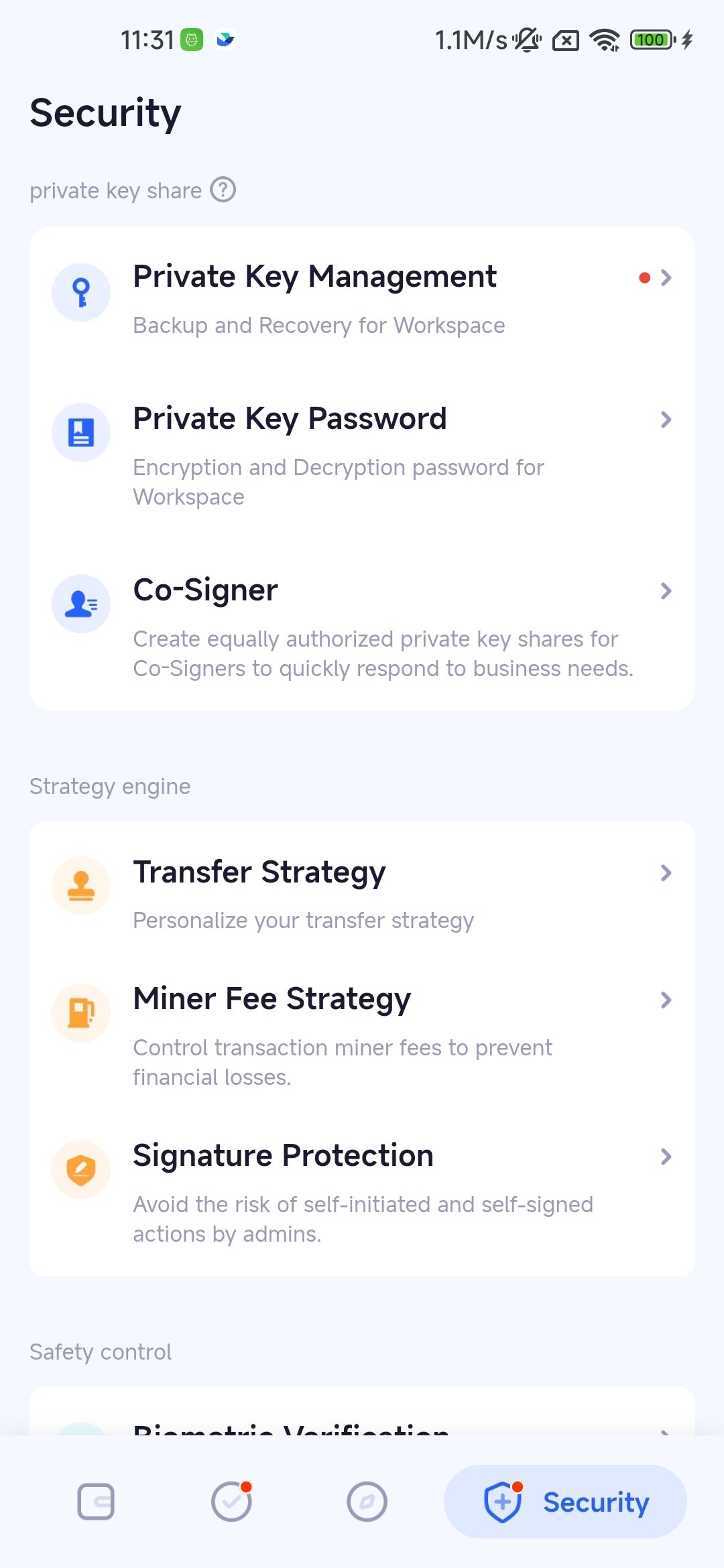
2
Choose the Workspace for the Policy
In the strategy engine, choose the MPC workspace you want to apply the miner fee policy to.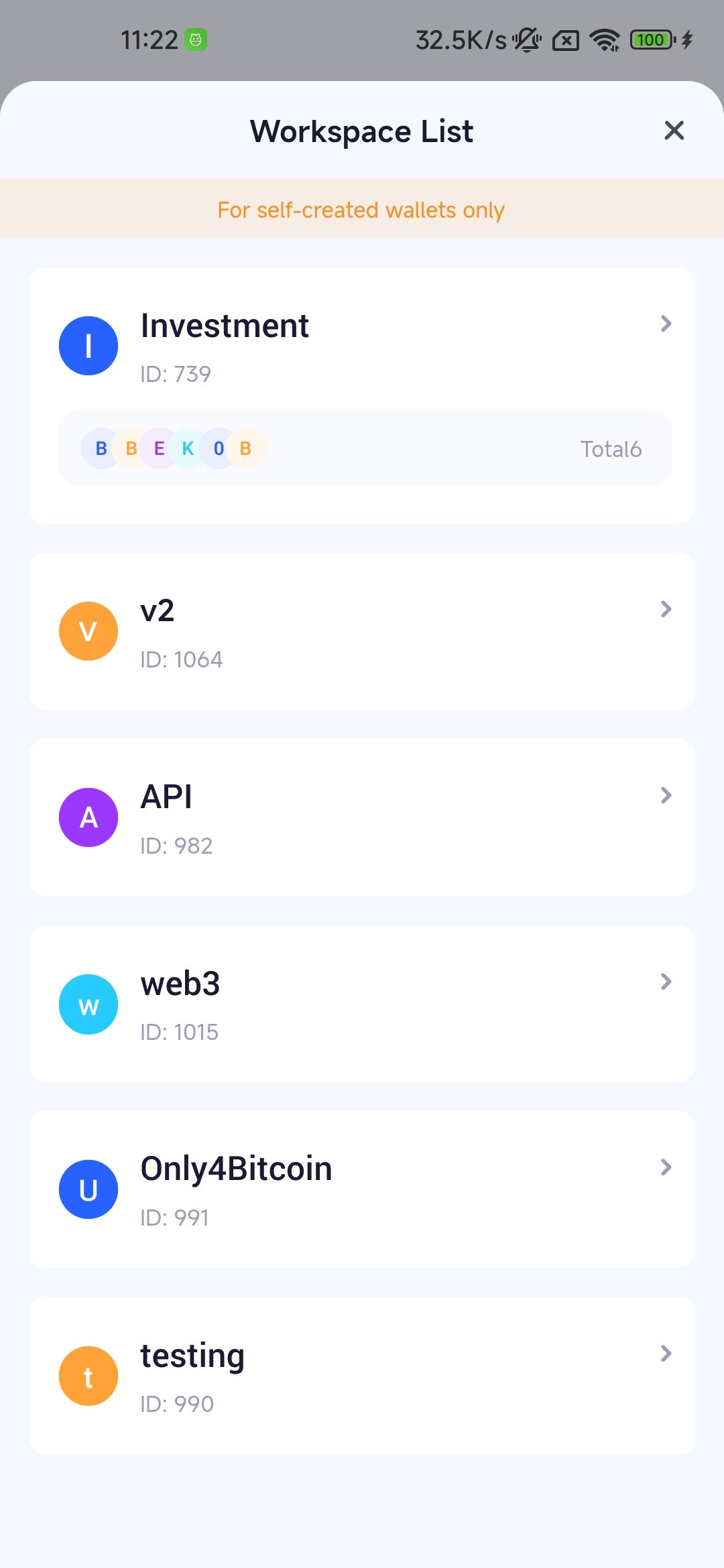
3
Add and Configure Miner Fee Policy
In this step, you can define the limit for controlling custom miner fees to prevent excessively high transaction miner fees due to errors or internal malicious actions, thereby avoiding asset loss.