
Function Overview
On the Keysecure’s smart contract platform, you can link third-party wallets to receive assets or manually initiate transfer transactions for the contracts you manage.Contract Receiving
1
Select Network and Connect Wallet
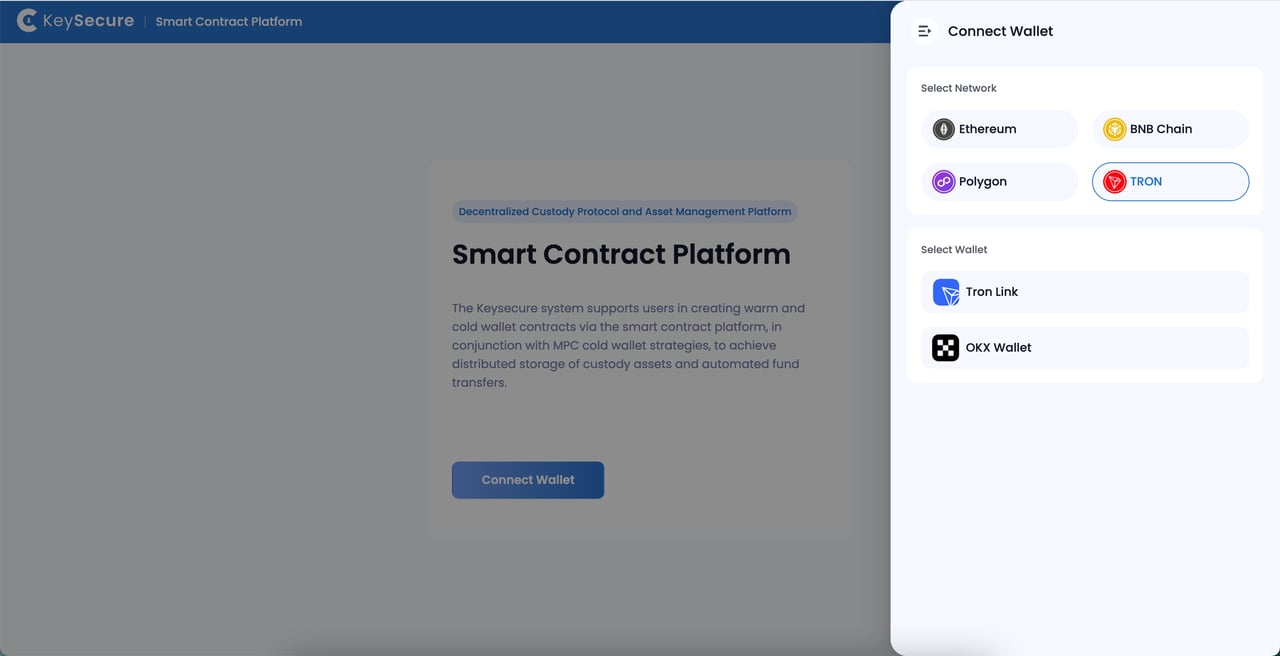
Based on your business needs, visit Smaet Contract Platform,choose the contract network you wish to access and connect your third-party wallet.
2
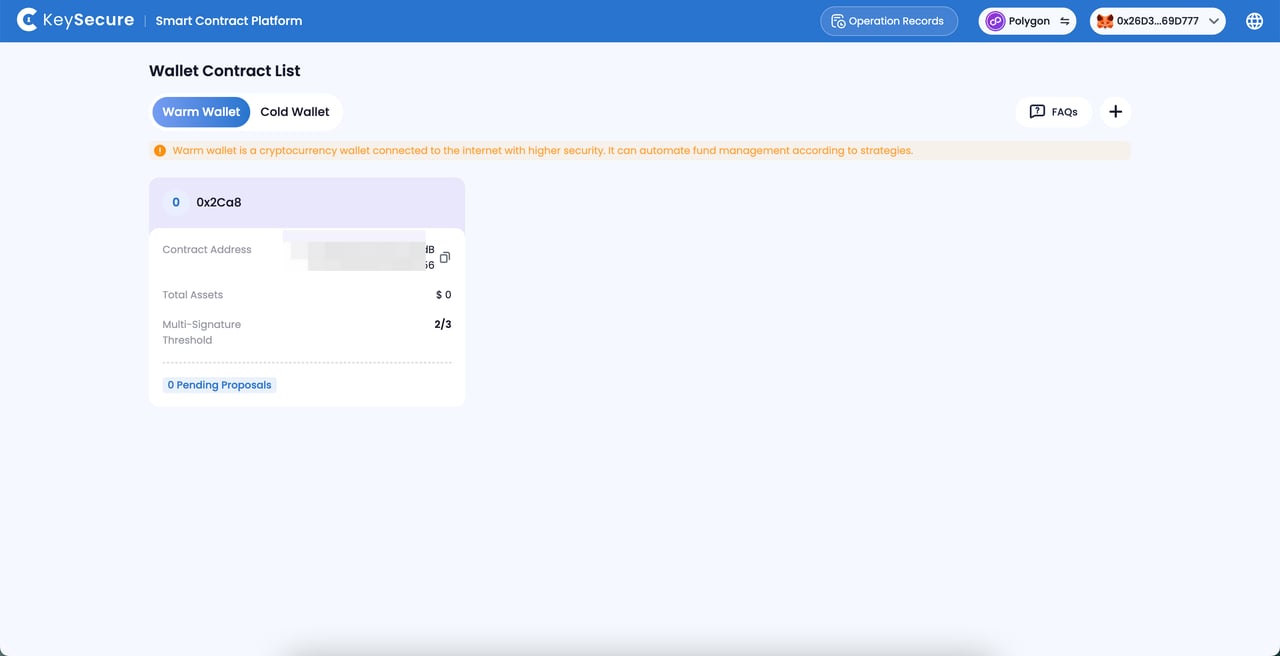
Select Contract
View the contract list, select the contract you wish to access, and click to enter the [Asset Management] page.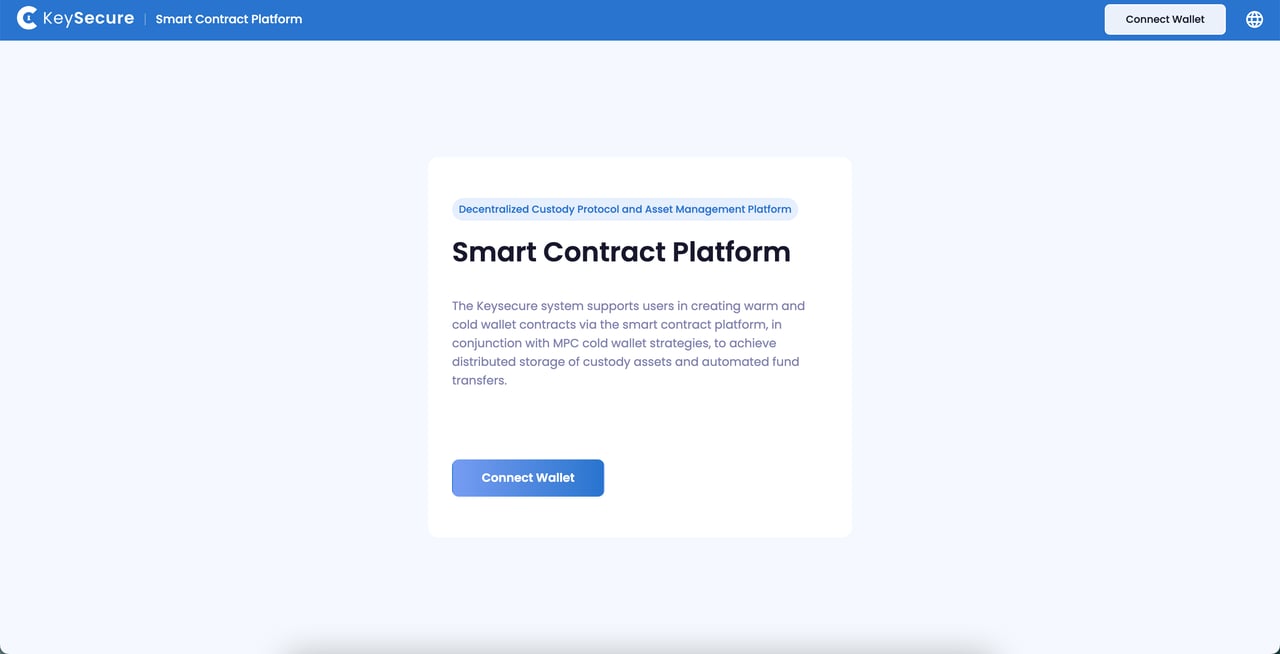
3
Contract Receiving
Select the [Receive] button to obtain the contract receiving address.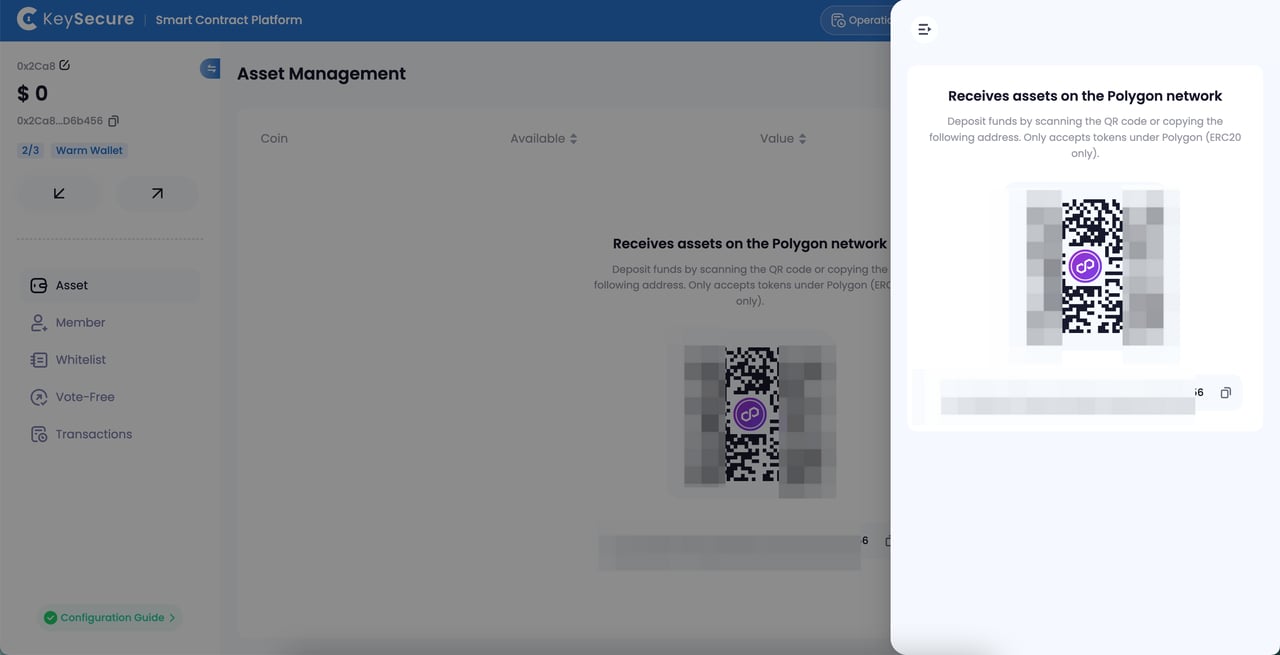
Contract Transfer
1
Select Transfer Assets
Select the contract assets you wish to transfer and initiate a contract transfer transaction proposal.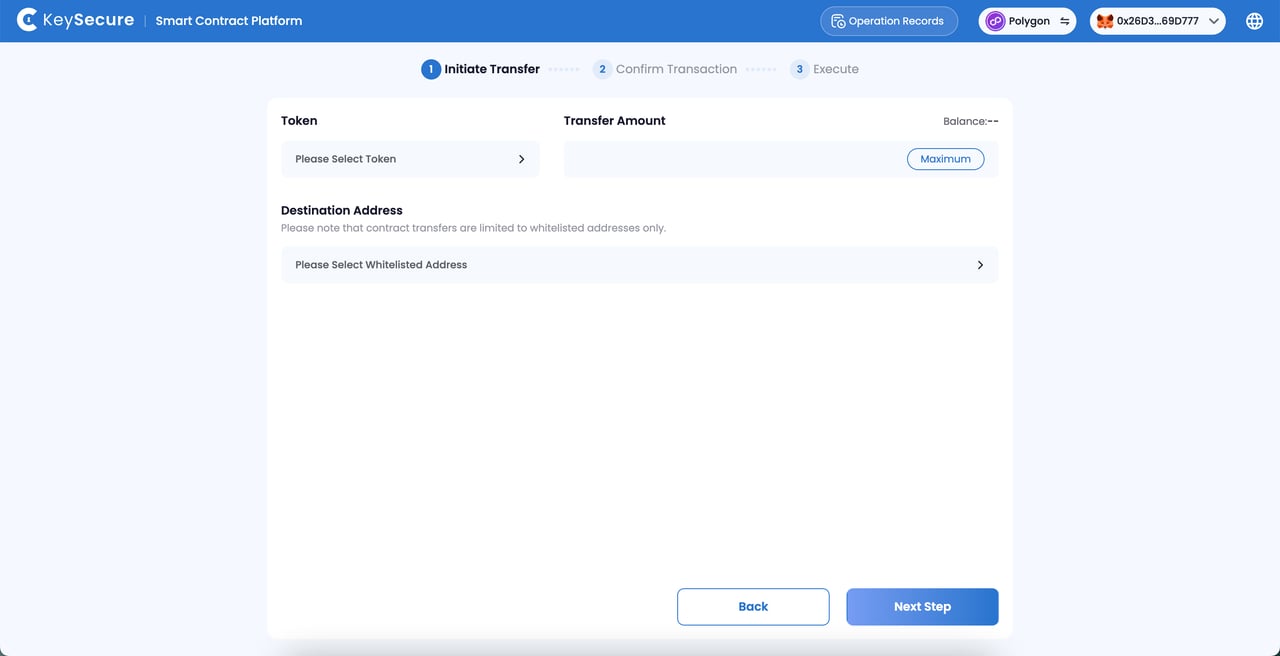
2
Confirm Transfer Information and Sign
Sign the proposal and pay the gas fees using the connected third-party wallet address.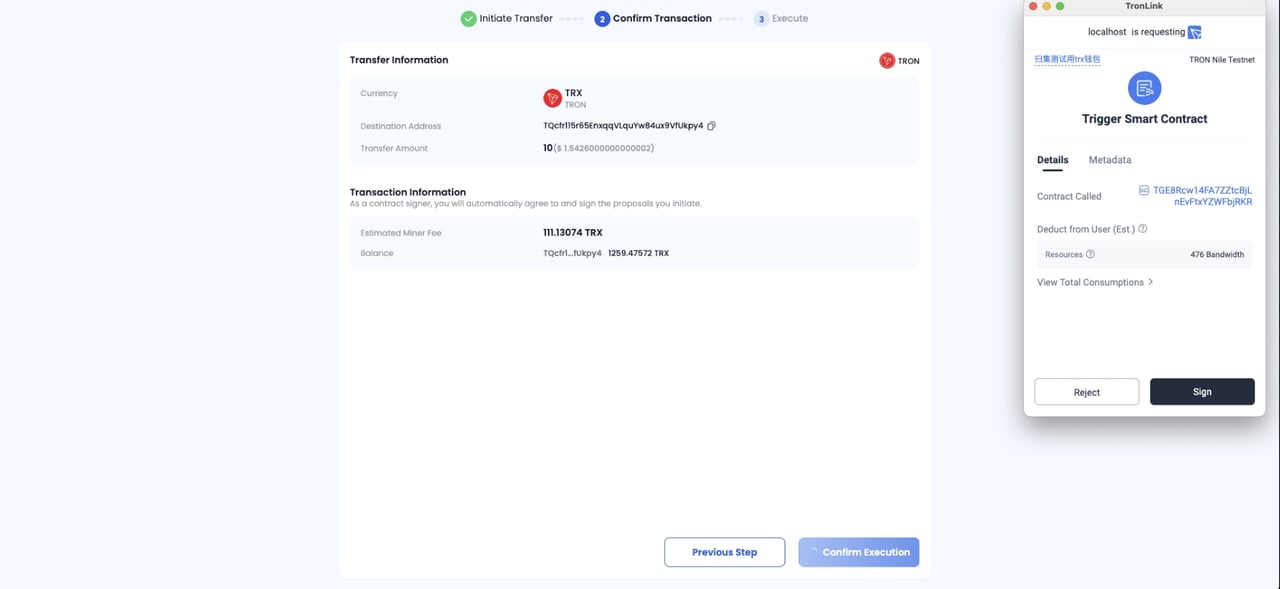
Frequently Asked Questions
Why Can't I Initiate a Transfer Proposal?
Why Can't I Initiate a Transfer Proposal?
Please ensure the following:
- You have successfully connected the third-party wallet;
- The connected wallet is a signer of the contract;
- Your contract has successfully added a transfer-free address;
- Your contract has sufficient transfer funds;
- You have paid enough gas fees for the proposal transaction.
Why Can't I View the Contract Receiving Records?
Why Can't I View the Contract Receiving Records?
The following factors may cause you to be unable to view receiving records. Please wait for a while:
- The system has not yet successfully recorded the receipt;
- The system cannot parse the TXID;
- The Keysecure System does not currently support the receiving crypto coin.