
Function Overview
On Keysecure’s smart contract platform, you can link third-party wallets to view and manage all transaction information of a contract, as well as review and approve pending proposals.Operation Process
1
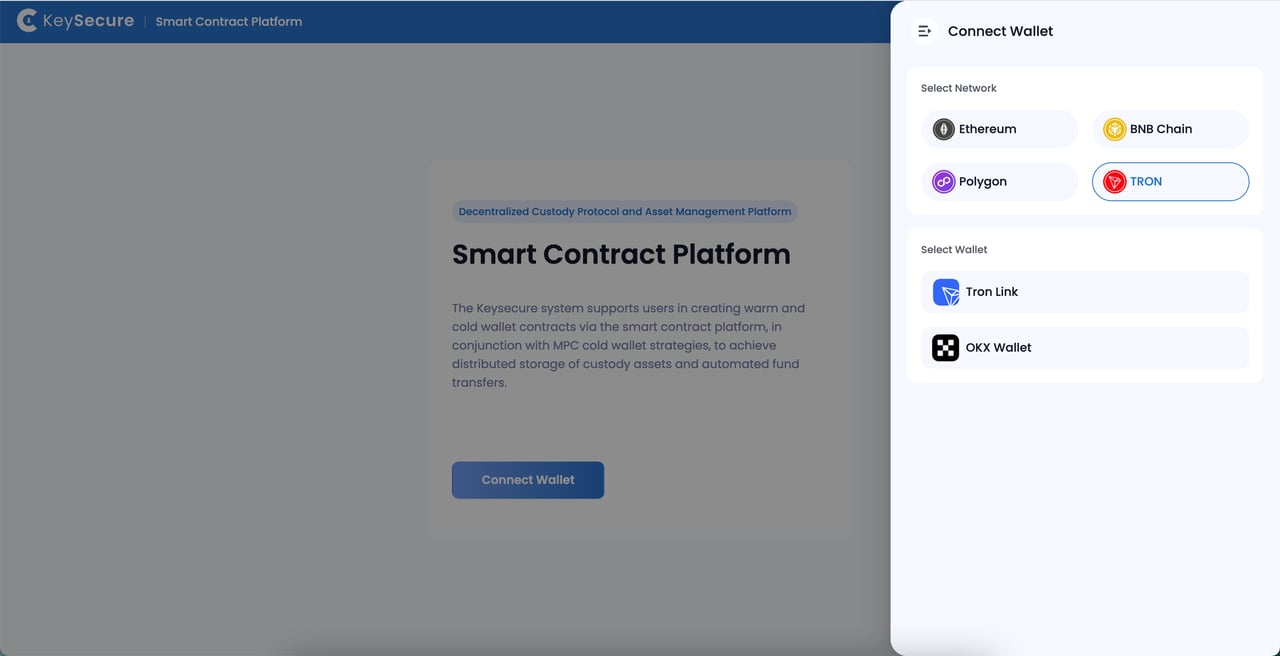
Select Network and Connect Wallet
Based on your business needs, choose the network where you want to create a contract, and connect your third-party wallet.
2
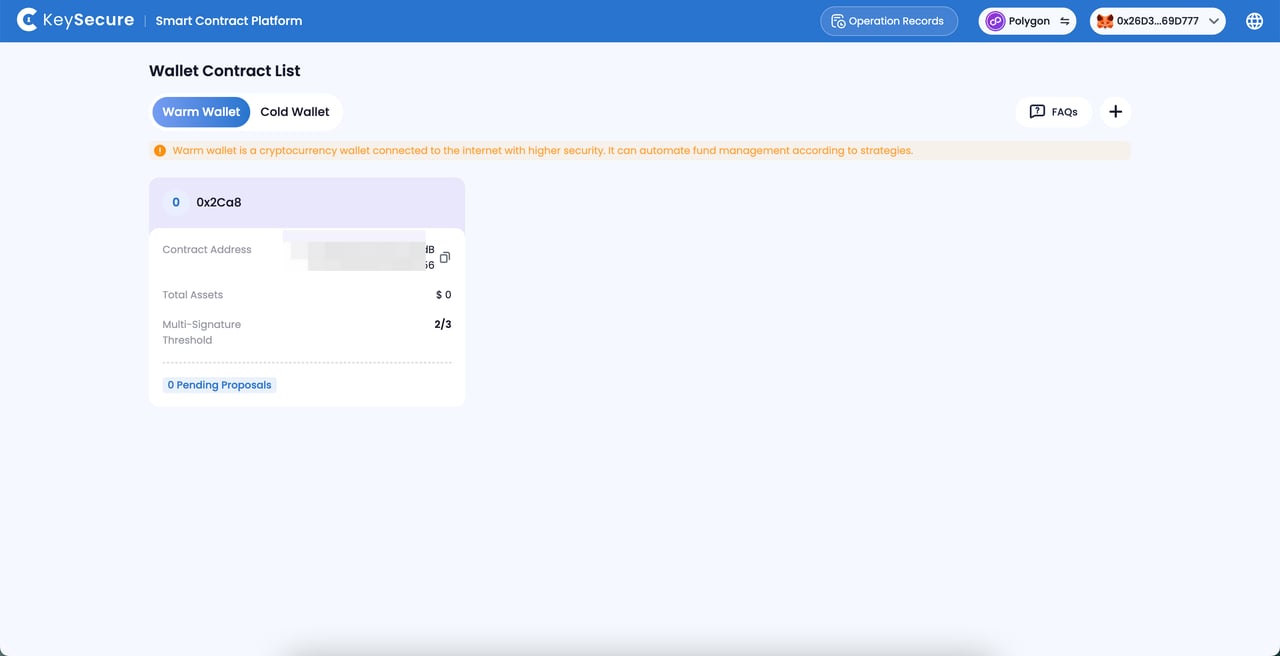
View Contract Transactions
Select a contract and enter the [Transaction Records] page.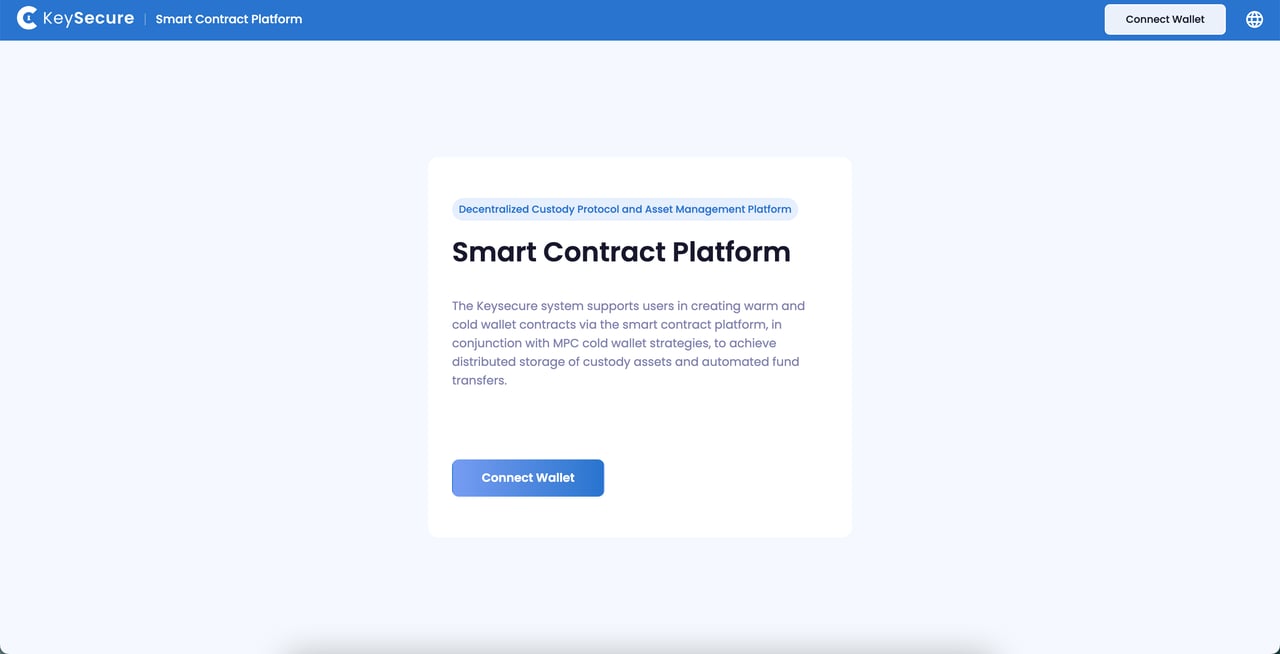
Only transaction proposals that have been initiated and successfully on-chained will be displayed in the [Transaction Records].
3
Approve Proposal
Select the type of proposal under [Pending for My Approval], choose the proposal you wish to approve, and proceed with the signature confirmation.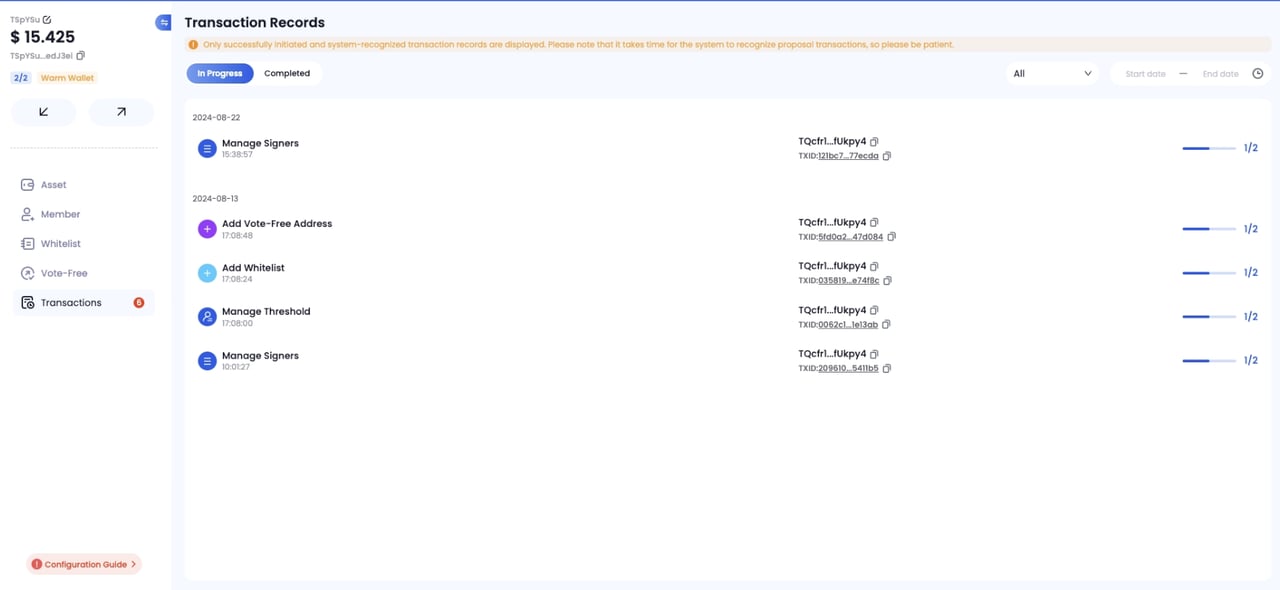
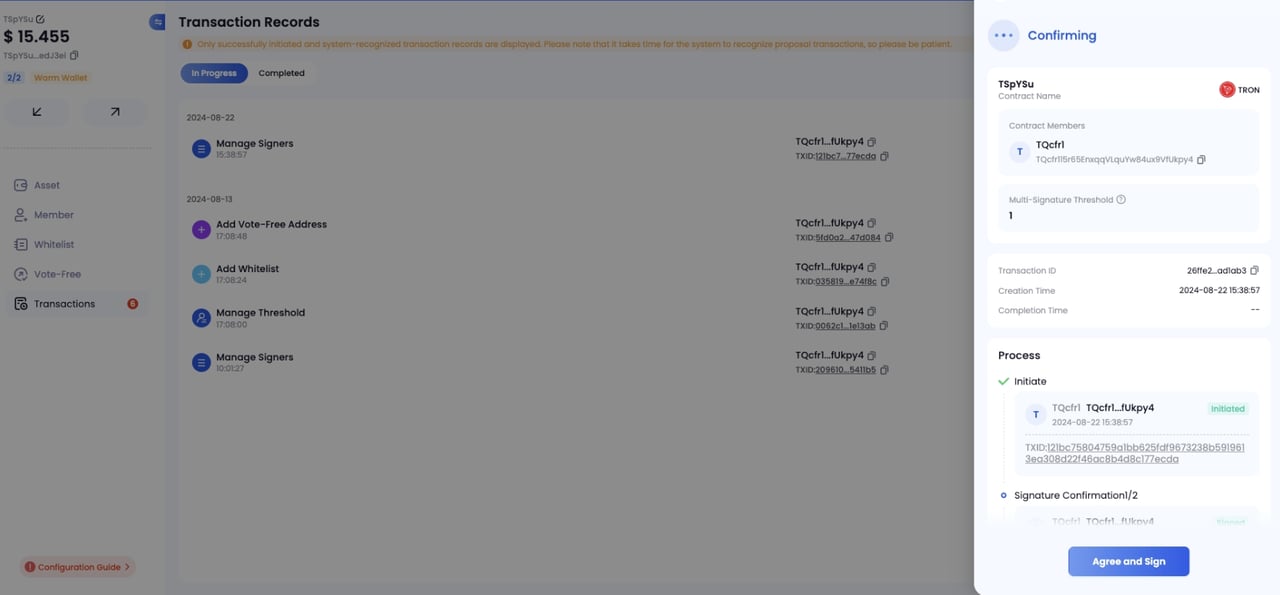
Approving and confirming a proposal requires on-chain broadcasting and gas fee confirmation. If you do not wish to approve a proposal, Keysecure currently does not support rejecting proposals—please refrain from taking any action.
Frequently Asked Questions
Why Can’t I View a Specific Proposal for the Contract?
Why Can’t I View a Specific Proposal for the Contract?
Please ensure the following:
- You are a signer of the contract;
- The proposal has been successfully created and completed on-chain broadcasting.
Why does the approval process of ongoing proposals change?
Why does the approval process of ongoing proposals change?
Ongoing proposals will follow the latest singer and multi-signature threshold requirements. If there are changes to the contract’s signer or multi-signature threshold, the approval process for proposals will automatically update as well.