
Function Overview
On the Keysecure’s smart contract platform, you can link third-party wallets to add or remove whitelist addresses for the contracts you manage. Since the contract platform only supports transactions initiated to whitelist addresses (transactions to other addresses will automatically fail), Keysecure recommends adding the addresses of contracts that require Asset Flow and the addresses of hot wallets to the whitelist to ensure smooth isolation and Asset Flow.Adding Contract Whitelist
1
Select Network and Connect Wallet
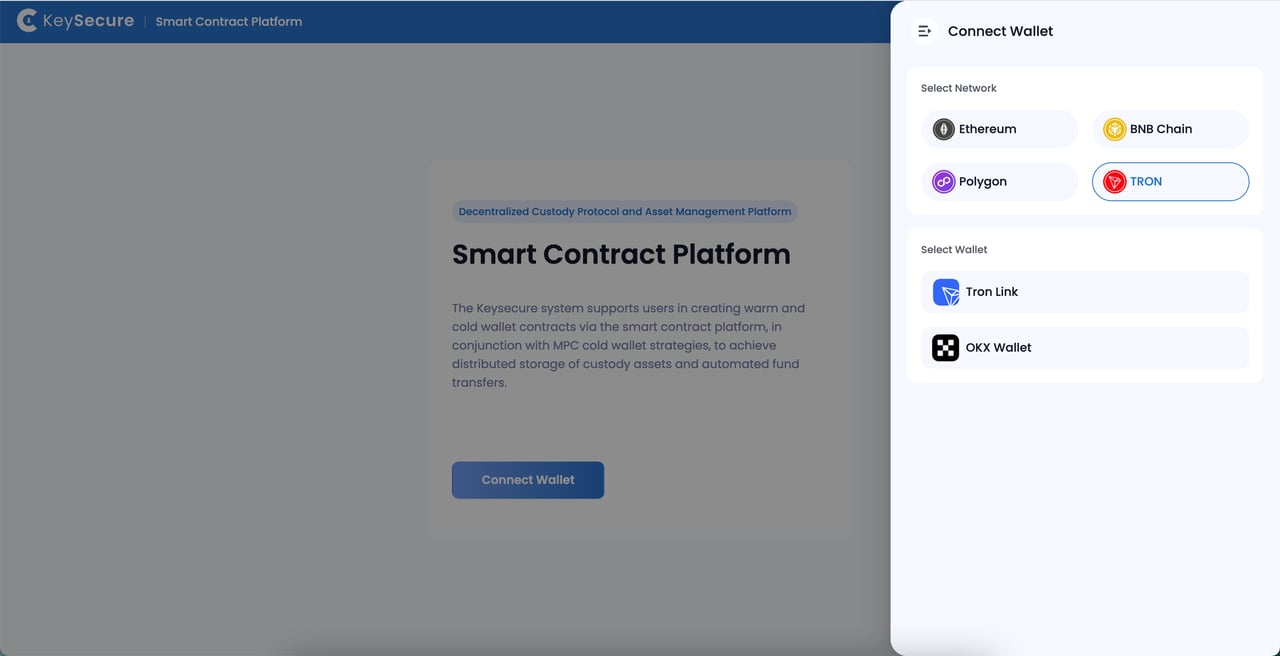
Visit Smaet Contract Platform,choose the contract network you wish to access based on your business needs, and connect your third-party wallet.
2
Select Contract
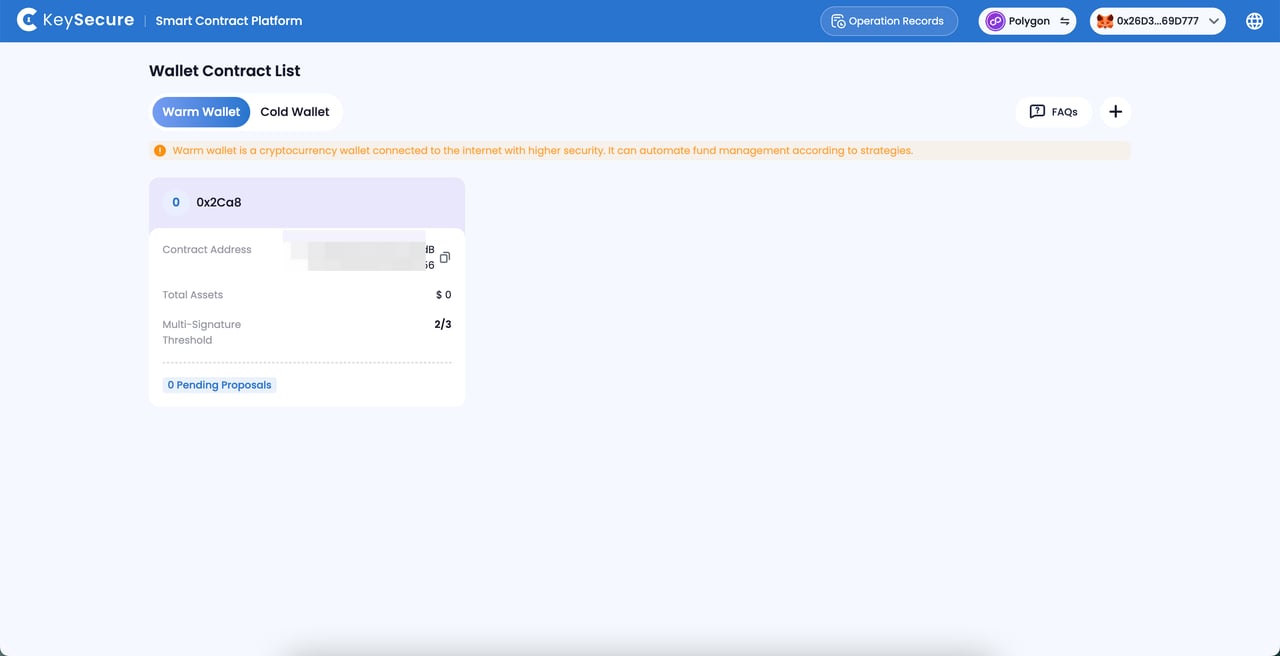
View the contract list, select the contract you wish to access, and click to enter the [Whitelist] page.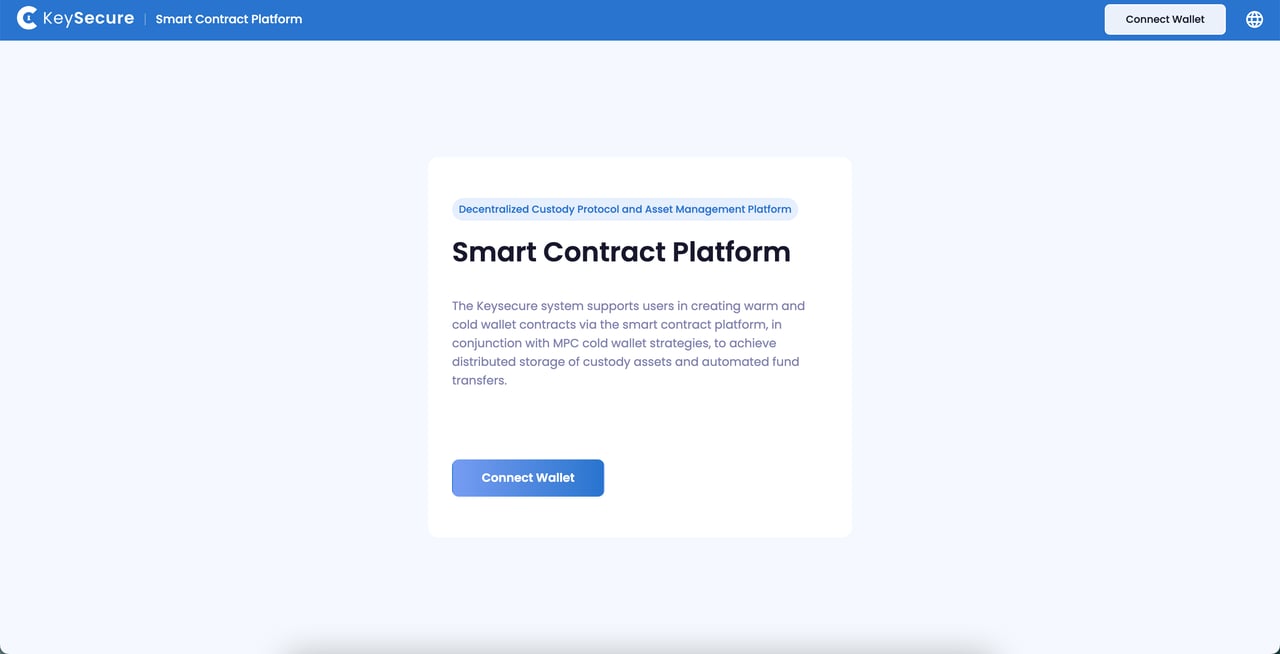
3
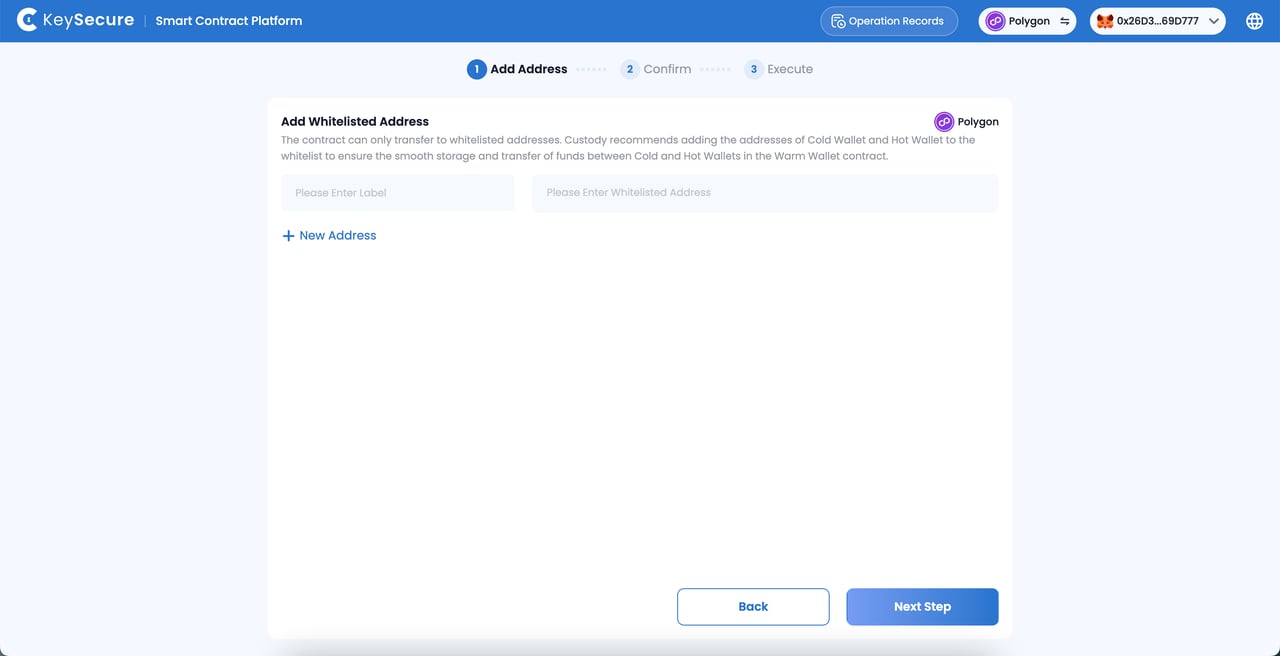
Add Whitelist
Click the “Add” button to initiate a proposal for adding a whitelist.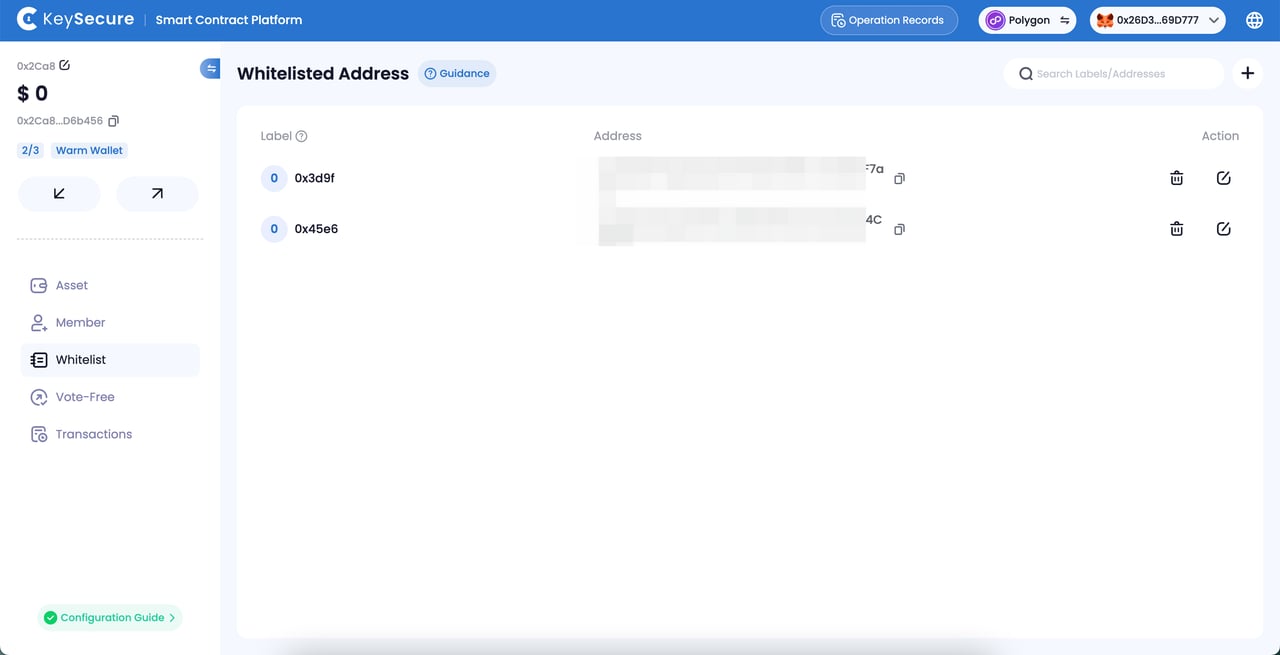
4
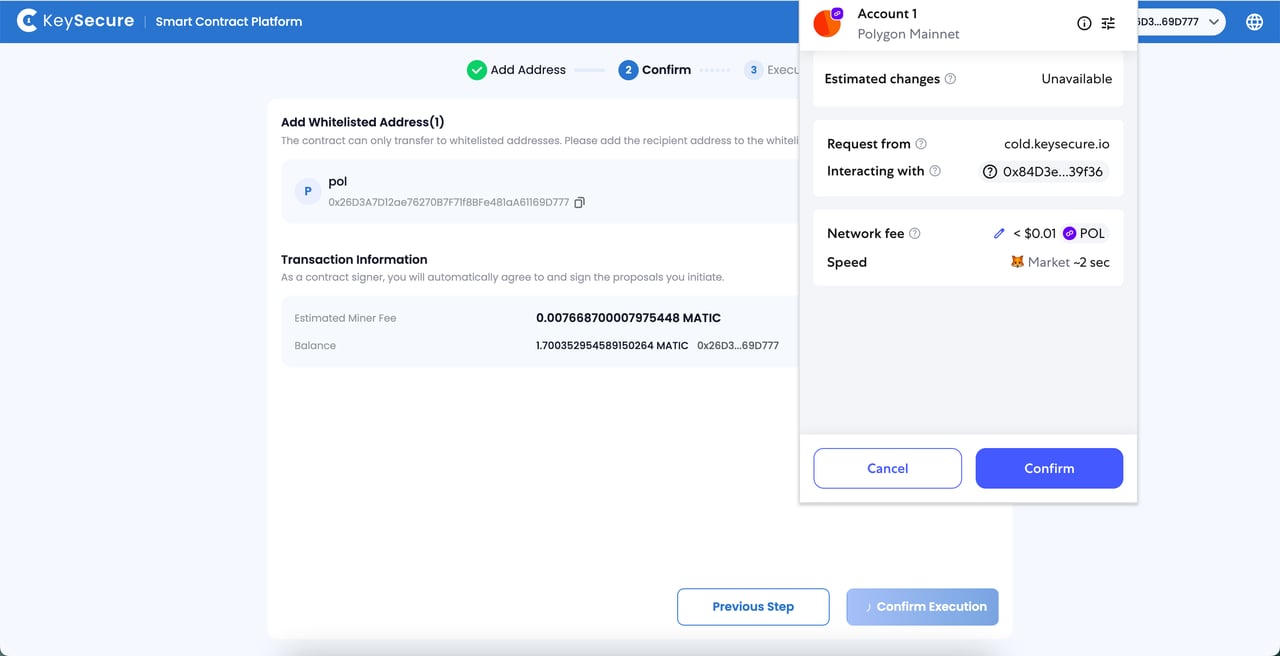
Confirm Proposal and Sign
Sign the proposal and pay the gas fees using the connected third-party wallet address.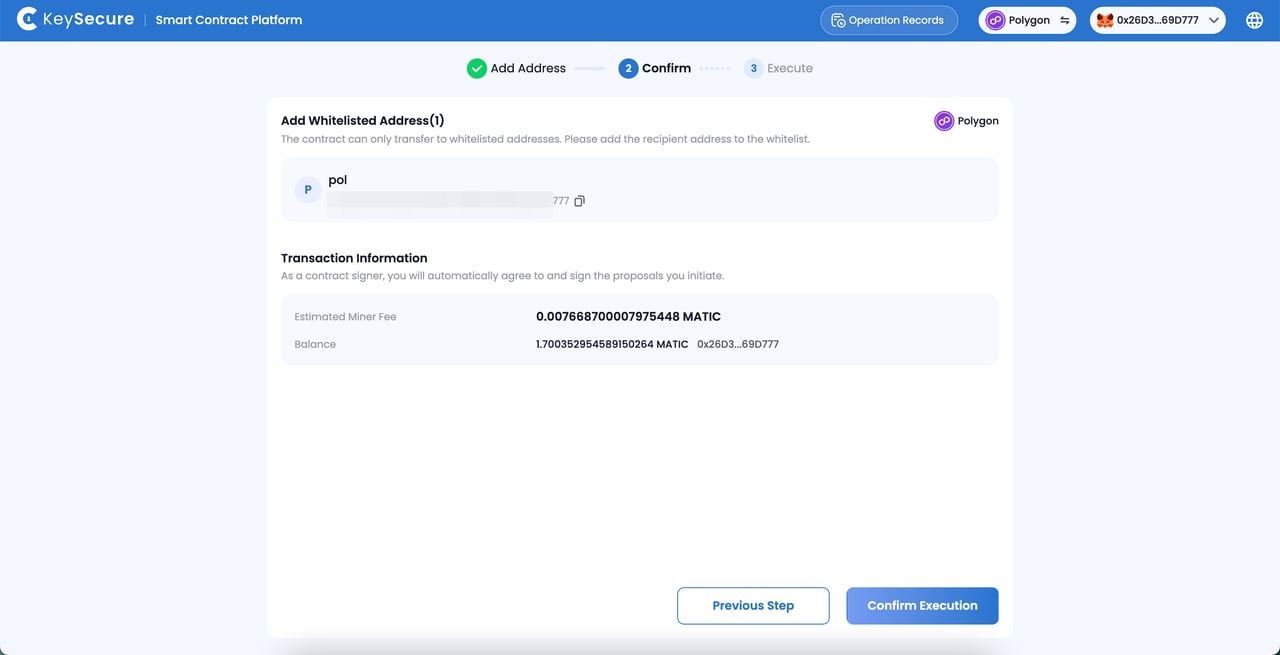
Deleting Whitelist
1
Select Whitelist
Select the whitelist address you wish to delete and initiate a deletion proposal.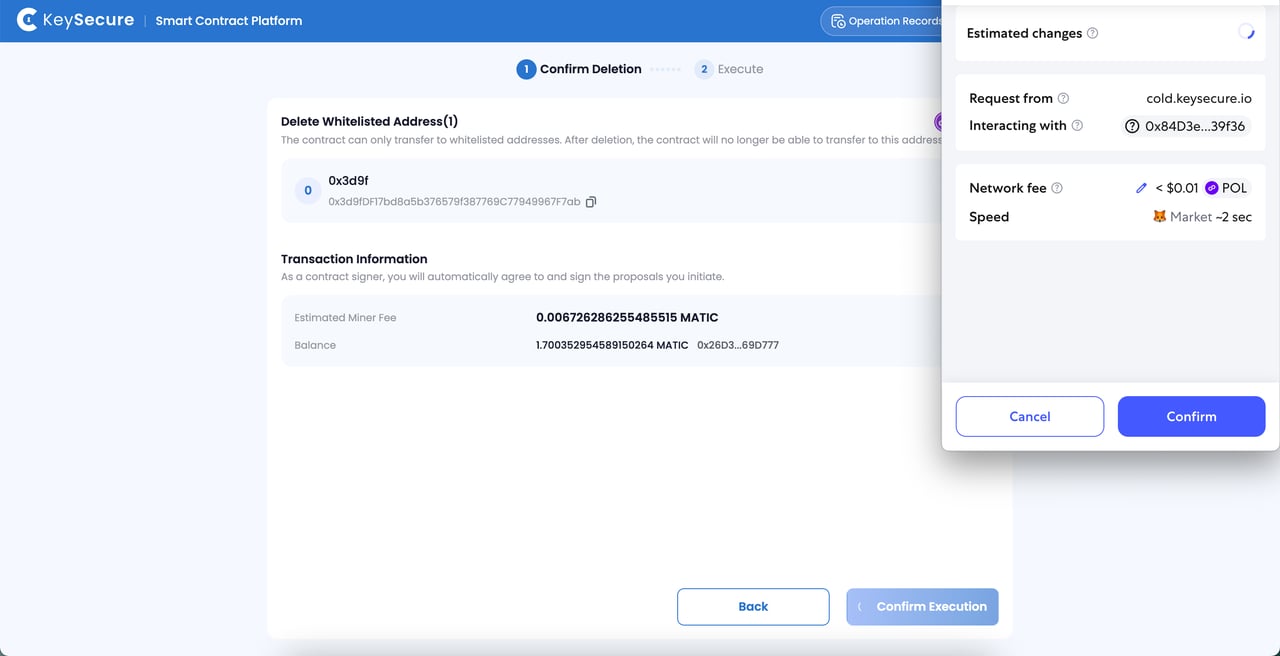
2
Confirm Proposal and Sign
Sign the proposal and pay the gas fees using the connected third-party wallet address.
Frequently Asked Questions
Why do I need to add a whitelist for the contract?
Why do I need to add a whitelist for the contract?
For security reasons, the platform requires that warm and cold wallets can only make transfers to addresses on the whitelist. Make sure to add these addresses to ensure smooth fund transfers between different wallets.
What addresses should I add to the contract whitelist?
What addresses should I add to the contract whitelist?
*For the Warm Wallet Contract:Add hot and cold wallet addresses from the same network.For the Cold Wallet Contract:Add hot and warm wallet addresses from the same network.
Why Can't I Initiate an Add or Delete Proposal?
Why Can't I Initiate an Add or Delete Proposal?
Please ensure the following:
- You have successfully connected the third-party wallet;
- The connected wallet is a signer of the contract;
- Your contract has sufficient transfer funds;
- You have paid enough gas fees for the proposal transaction.