
Function Introduction
Only the workspace owner can add/delete workspace members.
- Workspace Owner: The member who creates the workspace defaults as the owner (Owner), with the highest authority;
- Admin: The owner can add members from the contact list to the workspace and assign them as admins. Admins hold an equal-weight private key for the workspace and can act as approvers for approval and signature operations. They are also authorized to initiate receipts, transfers, and transaction accelerations for all wallets under the workspace;
- Ordinary Members: Members added to the wallet by the owner default as ordinary members; they have basic permissions such as initiating receipts, transfers;
Operation Procedure
1
Adding Workspace Members
Click on the account avatar, open the workspace member function, click the add button, select members from the contact list, or directly enter the account to add.
2
Assigning Roles to New Members
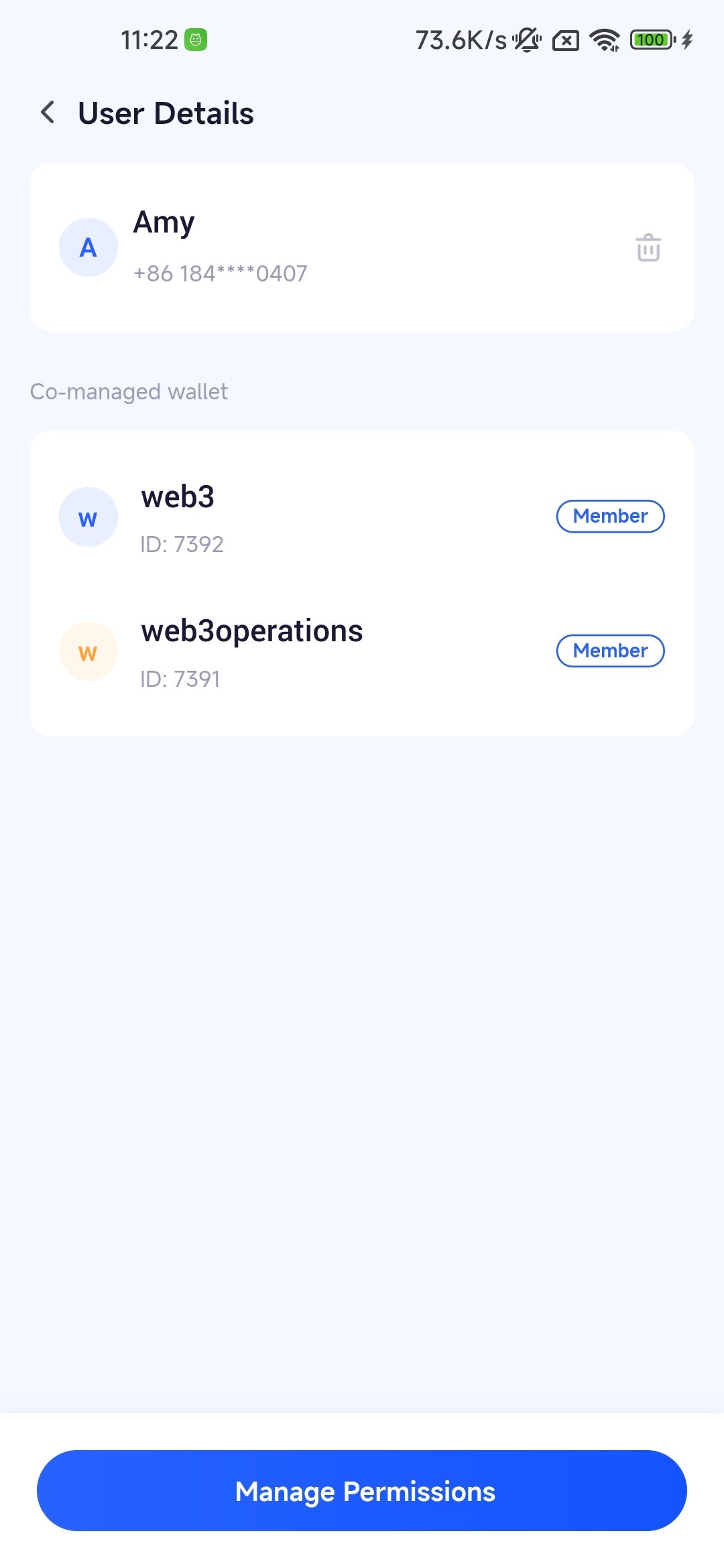
You can assign one type of authority to users: 1. Workspace role 2. Wallet roleIf you choose the workspace role, you can assign them as admins, which will require you to send a co-privilege private key to them.If you choose the wallet role, you can assign them as ordinary members of a specific wallet.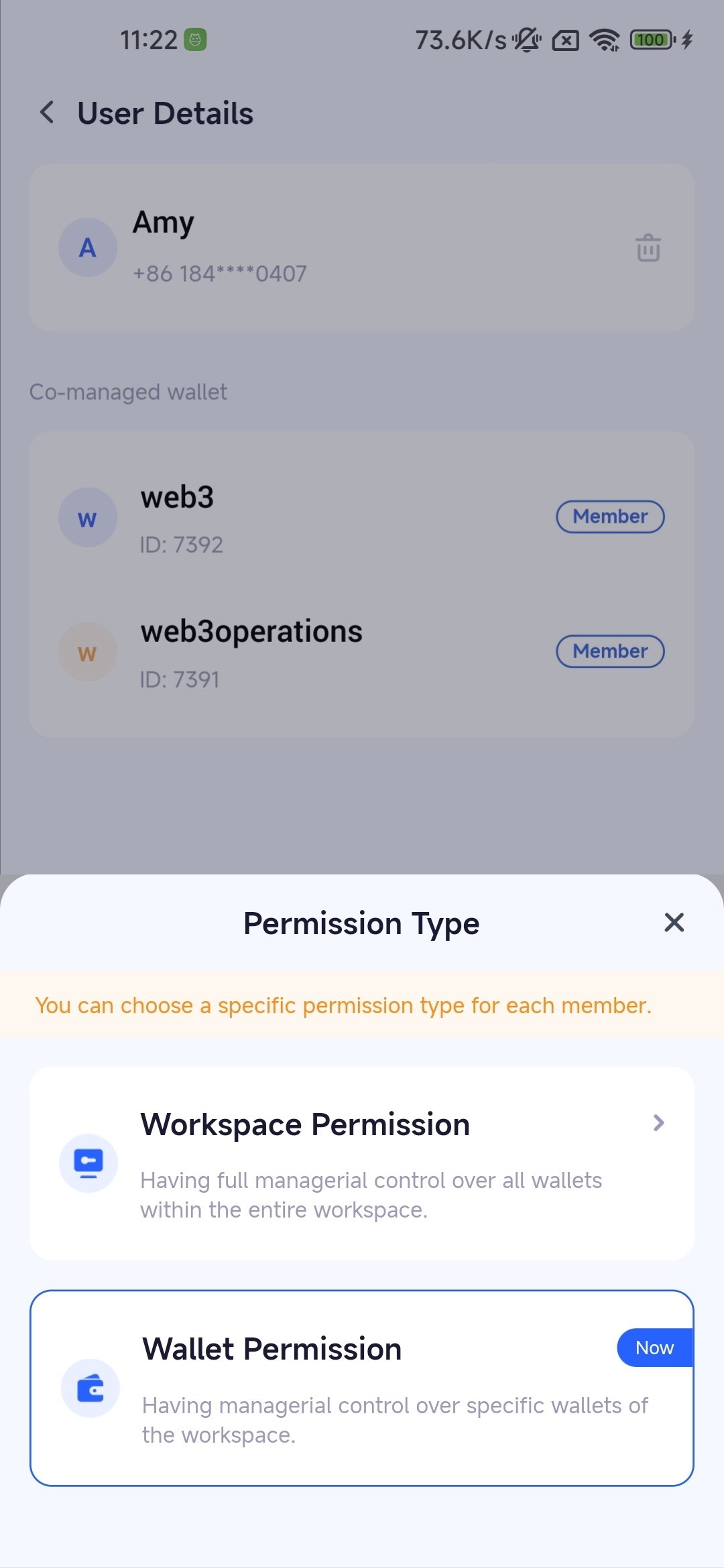
III. Frequently Asked Questions
How can I change a user's role?
How can I change a user's role?
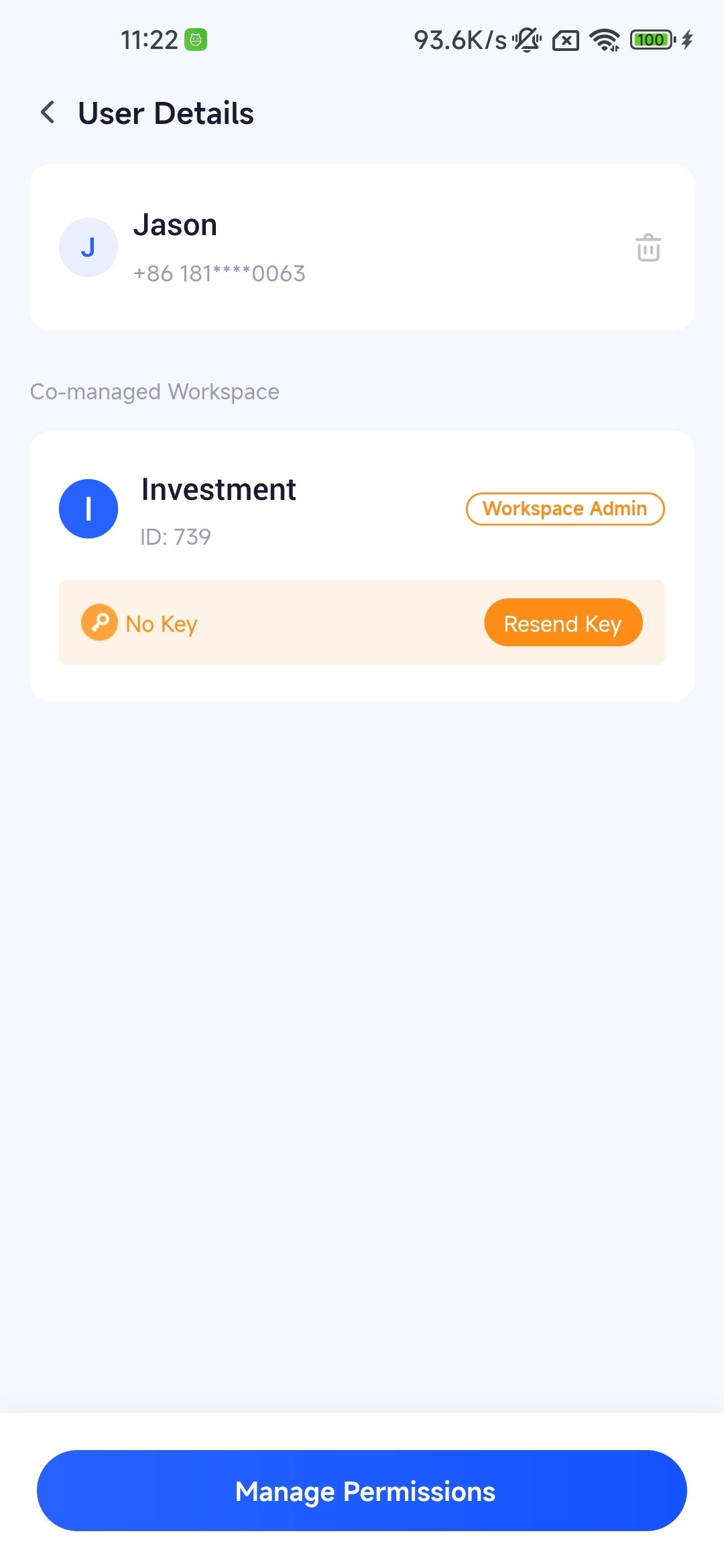
The owner can view the user’s permission details in the workspace members and modify the user’s role. Please note, if the member is part of an approval flow of a certain wallet, they will automatically have co-management authority of that wallet and it cannot be canceled.
Can I add users if I am not the workspace owner?
Can I add users if I am not the workspace owner?
Sorry, only the workspace owner can add users.
Are there any role restrictions in the workspace?
Are there any role restrictions in the workspace?
The total number of members in your workspace is limited to the service package you purchased, but there are no restrictions on specific roles.
How does a admin manage their private key?
How does a admin manage their private key?
The current system does not support the admin to back up and restore their private key. If the private key fragment is lost due to reasons such as changing devices, please contact the workspace owner to resend it (Select the corresponding workspace in “Workspace Members”, check your specific permissions to operate).