
Function Introduction
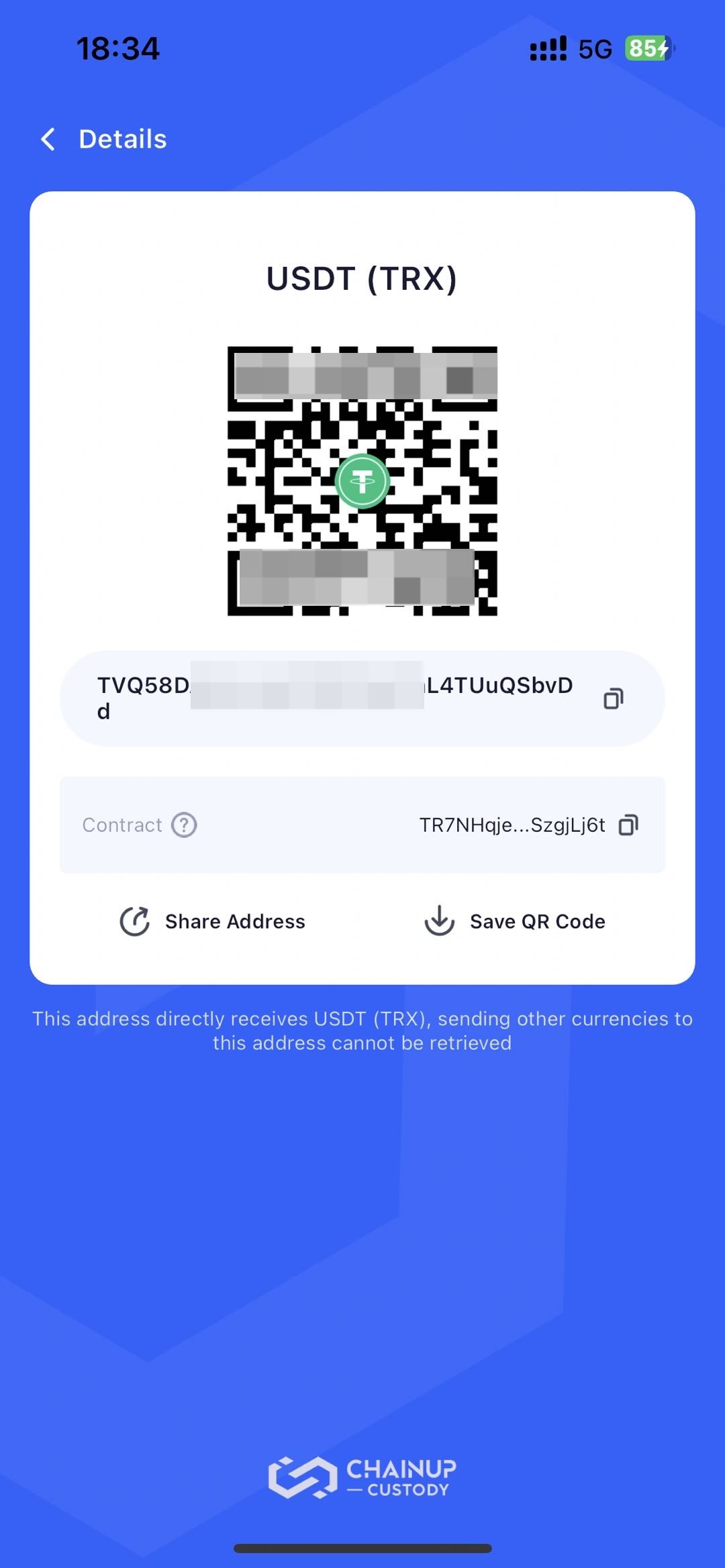
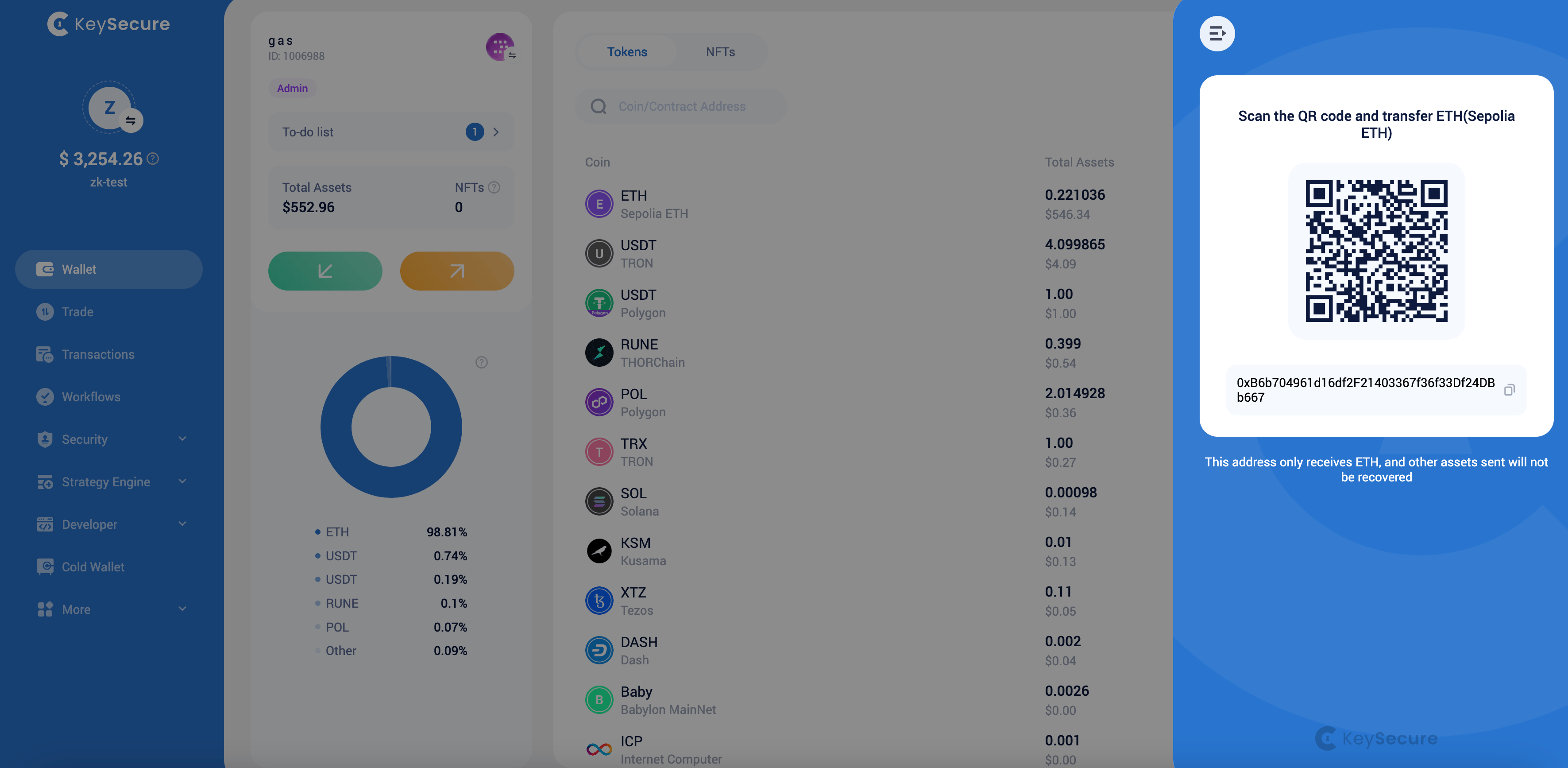
In the Keysecure workspace, you can receive two types of assets: tokens and NFTs. You can select the crypto coin or NFT on the asset page to view the receiving address.Operation Process
1
Select the Type of Asset to Receive
According to your business needs, choose to receive Tokens or NFTs to the selected wallets.
2
View Receiving Address
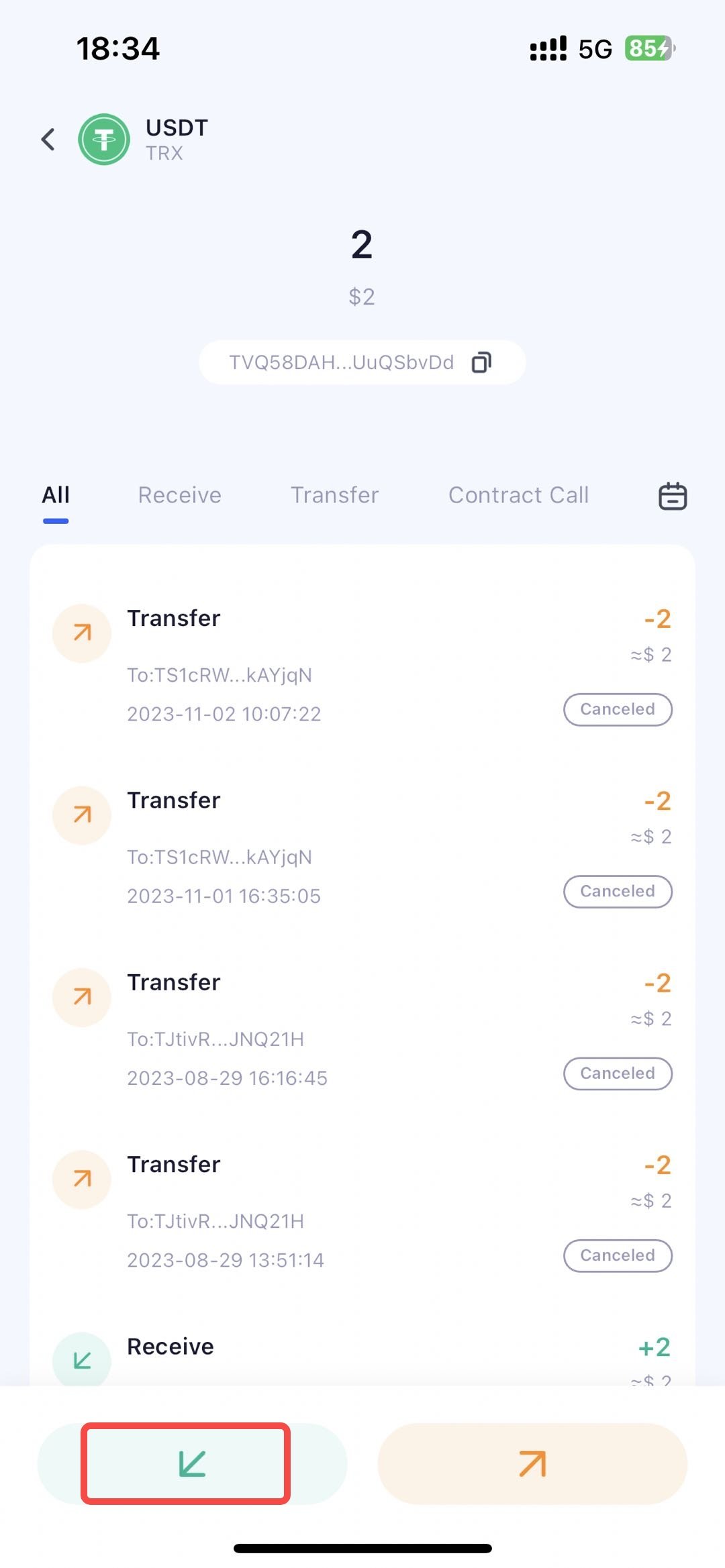
In the APP, Tokens support quick viewing of the receiving address by swiping left, or you can click to enter the crypto coin details to view the receiving address. NFTs only support viewing the receiving address by clicking to enter details.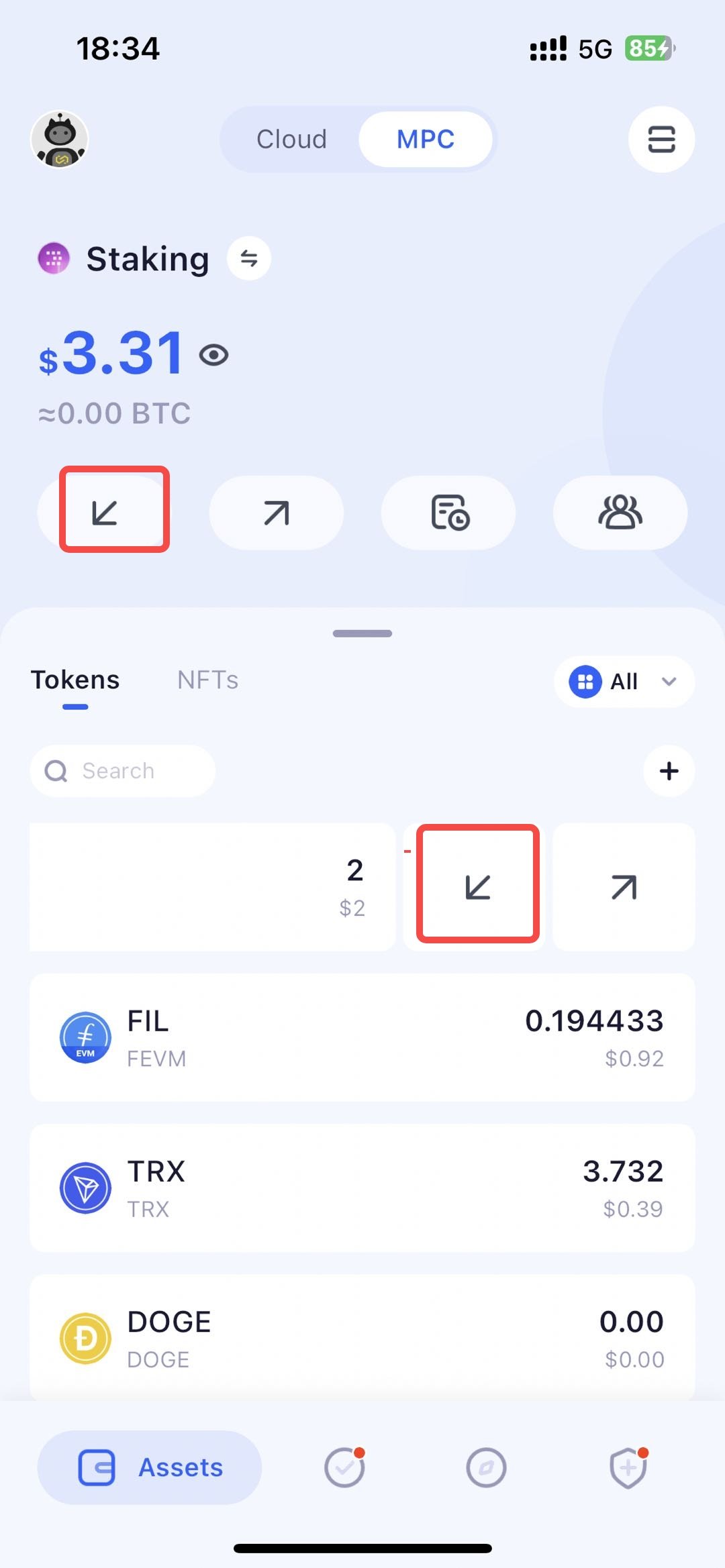
Frequently Asked Questions
Why can't I initiate the receiving of crypto coin or NFT ?
Why can't I initiate the receiving of crypto coin or NFT ?
Please confirm the following points:
- Have you enabled the network for the crypto coin or NFT ?
- Have you followed the crypto coin or NFT? Please note, information about unfollowed currencies/NFTs will be hidden;
- Is the crypto coin or NFT undergoing a blockchain upgrade?