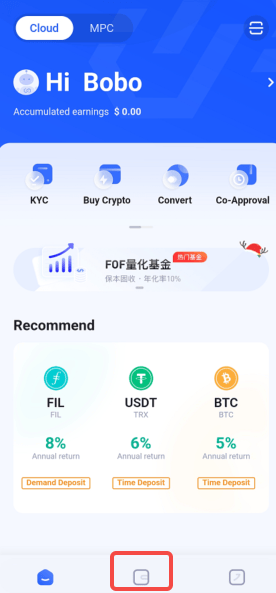
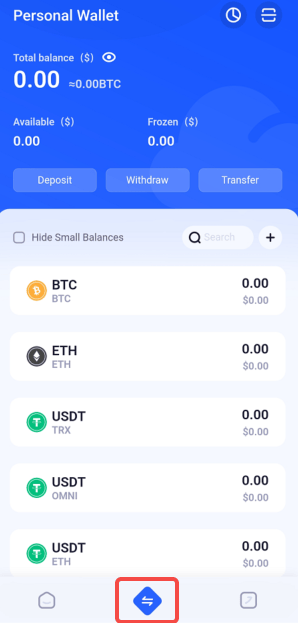
I. Function Introduction
Designed specifically for enterprise users, it supports multiple members and multiple roles to collaborate in managing the wallet, and provides withdrawal strategies and approval functions. As the owner of the wallet, you will have the following permissions:- Team Member Management: Add wallet management team members on the Web platform, assign team member duties. Co-managed members (approval and ordinary) can initiate or approve withdrawals in the APP, and view approval progress and fund flow records.
- Withdrawal Strategy Management: Formulate withdrawal strategies for important currencies to ensure that withdrawal operations follow the approval process and ensure fund safety.
- API Withdrawal Address Management: Manage API withdrawal addresses on the Web platform and set withdrawal whitelist addresses.
II. Operation Procedure
Create a Wallet
Open the Keysecure official website, download the Keysecure App, or directly scan the QR code to download.
1
Complete KYC Certification
In the Keysecure wallet, click on the personal avatar in the upper left corner, select KYC certification, and enter the identity certification page.
KYC review is usually completed within a certain number of working days, the specific time may vary, please be patient.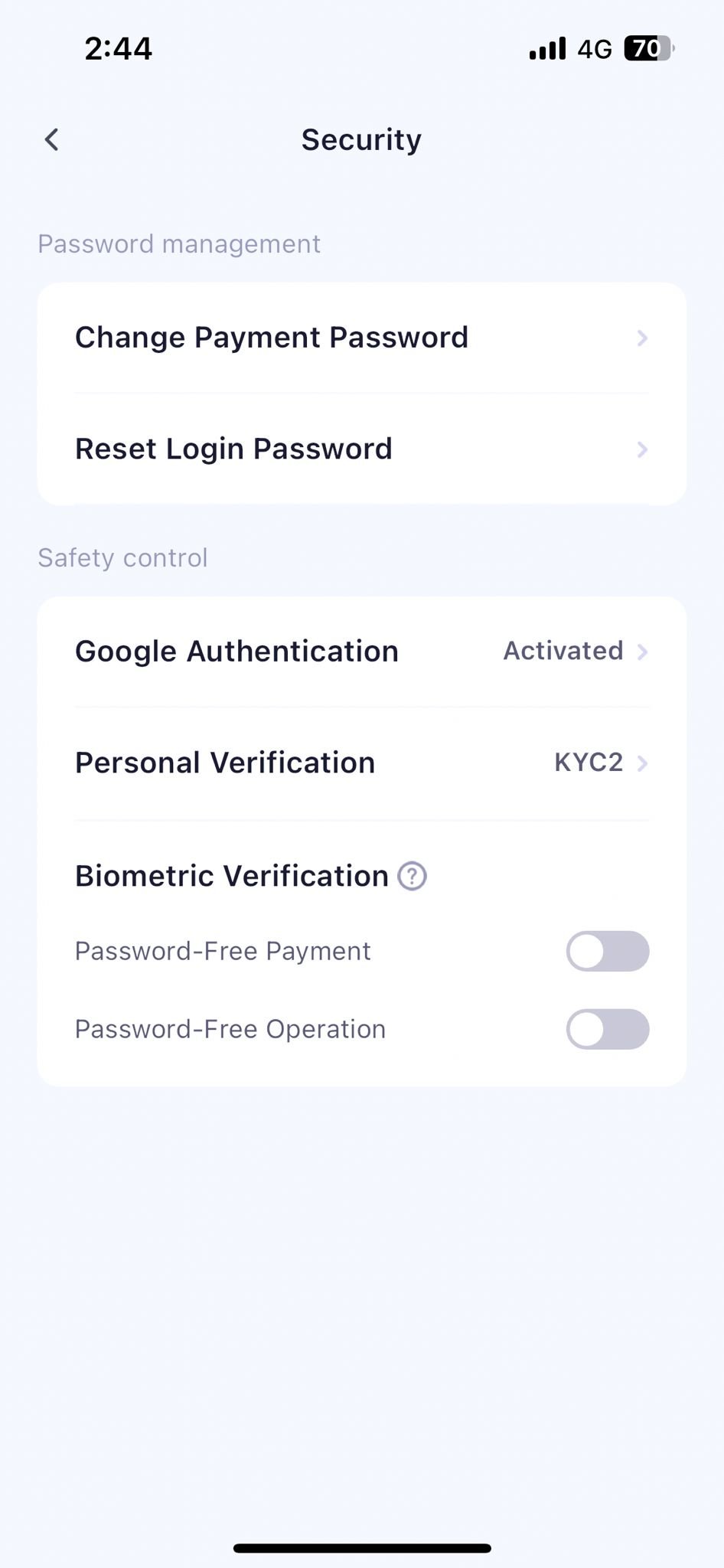
2
Log in to the Web platform
Open the browser and direct to the Keysecure login page, use the APP to scan the code to authorize login.
3
Create a Wallet
On the web end, click on the [+] in the upper right corner of the page to create a wallet.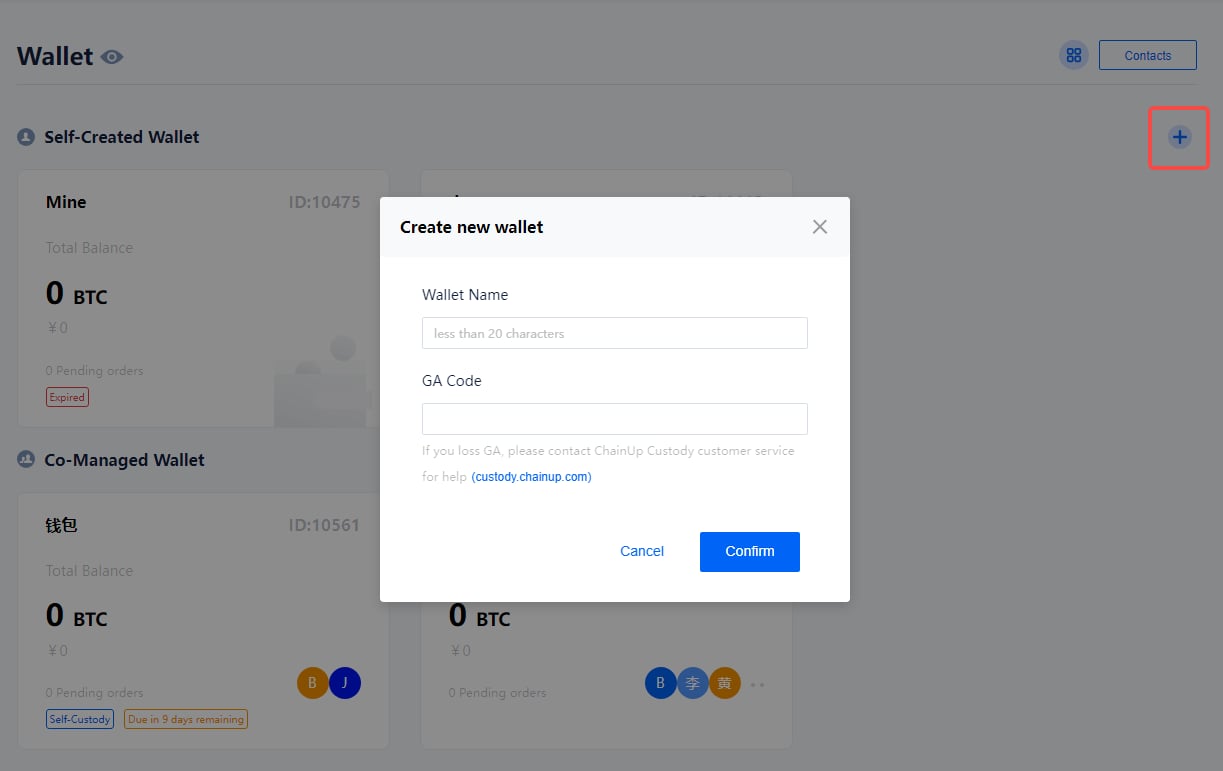
Manage Wallet
1
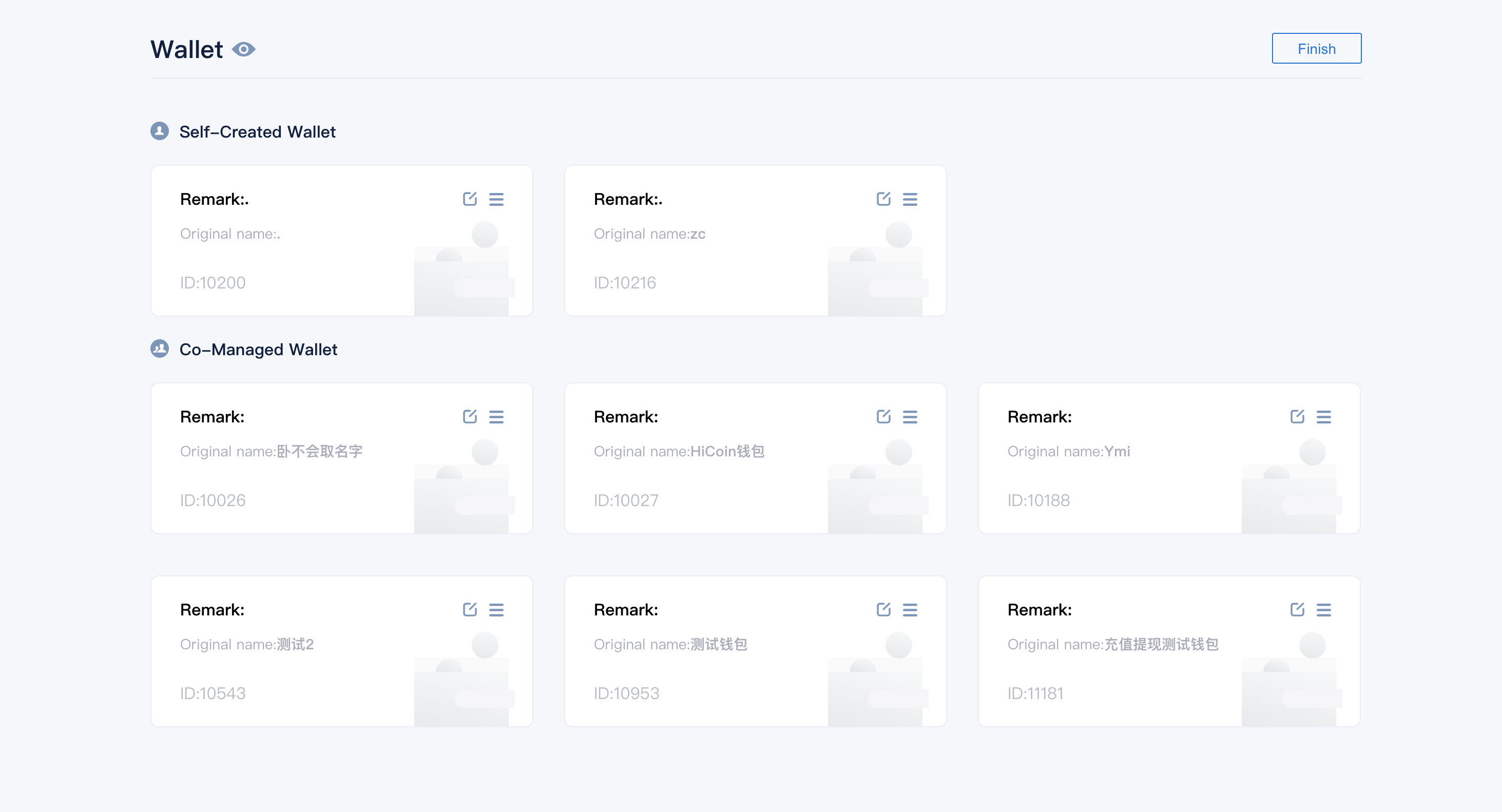
Wallet Management Page
In the Keysecure wallet, click on the square mark in the upper right corner to enter the wallet management page. You can modify the name and display order of the wallet on this page.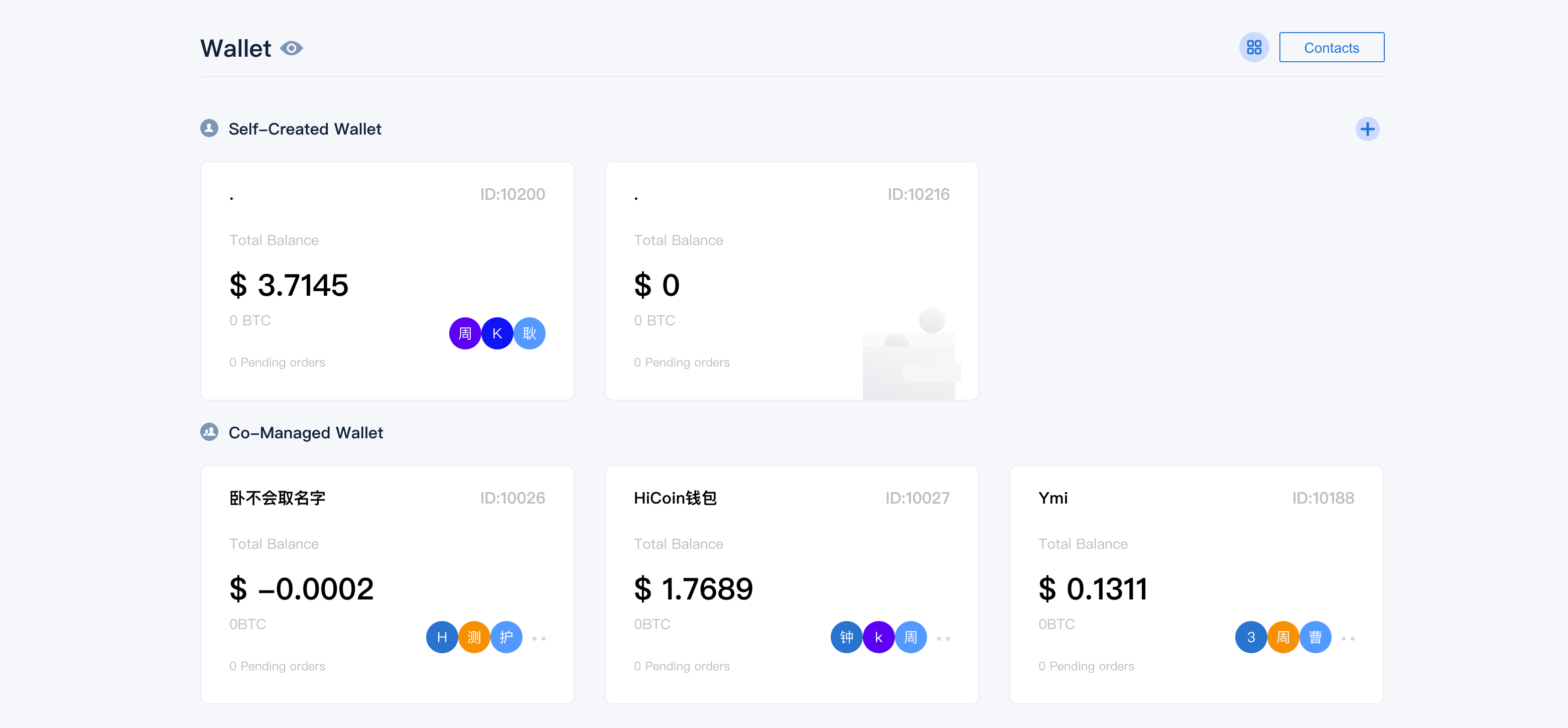
2
Modify Wallet Remark Name
Please note that this modification only takes effect for you.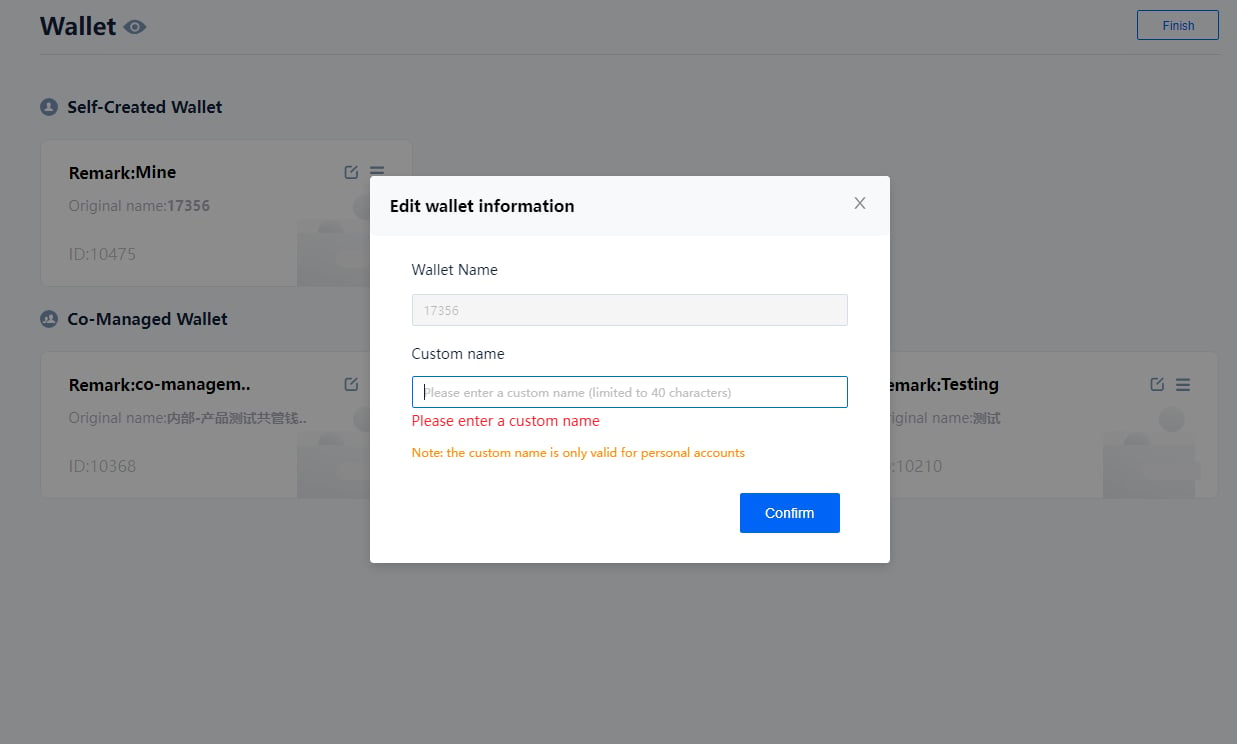
3
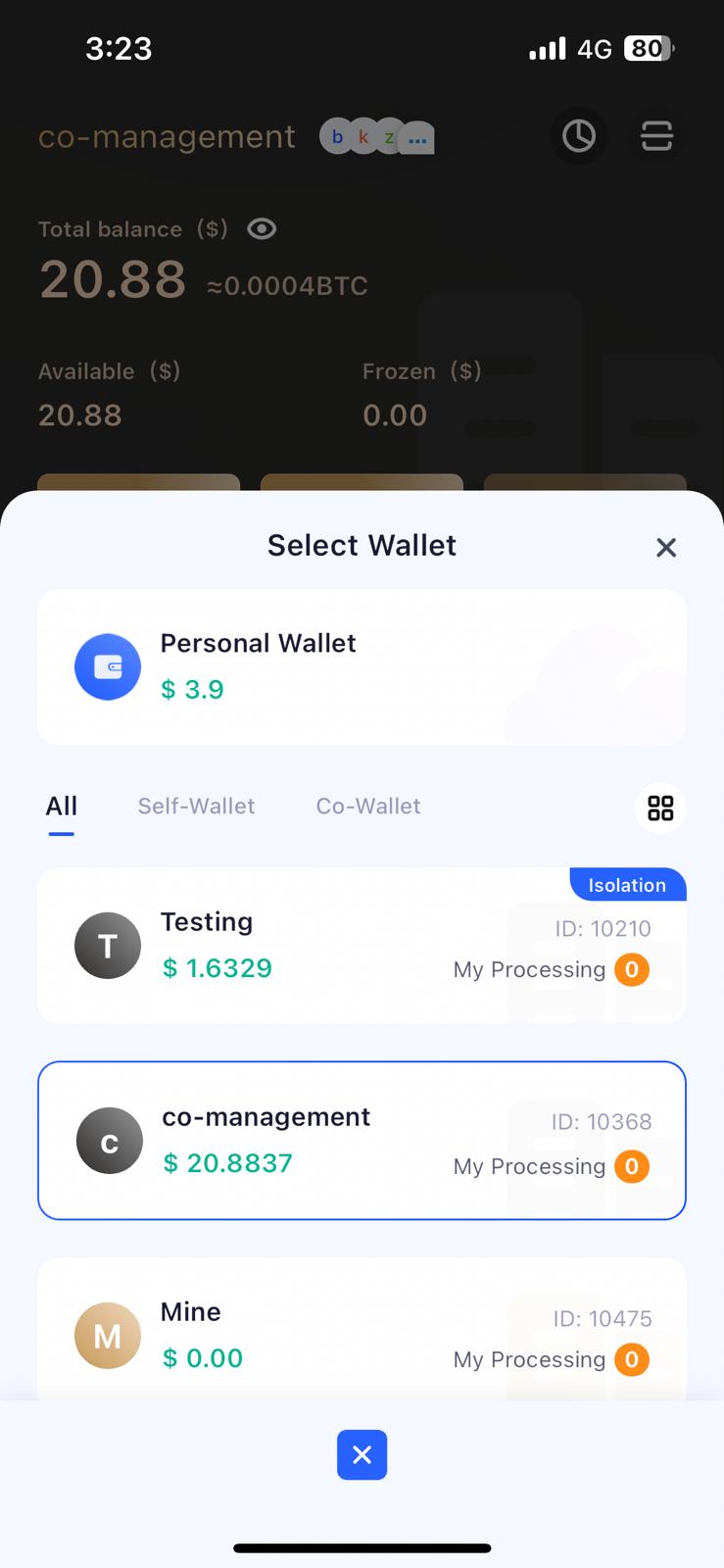
Switch Wallets in APP