
I. Function Introduction
Only the wallet admin can add/delete wallet members.
- admin/Wallet owner: The member who creates the wallet is the default wallet admin and has all wallet permissions;
- Approval Members: admins automatically become approval members after adding ordinary members to the approval strategy, and they have the authority to initiate receipts, transfers, approvals, etc.;
- Ordinary Members: Members added to the wallet by the admin are default ordinary members; they have basic permissions such as initiating receipts and transfers;
II. Operation Procedure
1
Select Keysecure wallet
Log in to the Keysecure wallet web page, select the Keysecure wallet you want to manage, and click on the left navigation bar [Co-managed Wallet].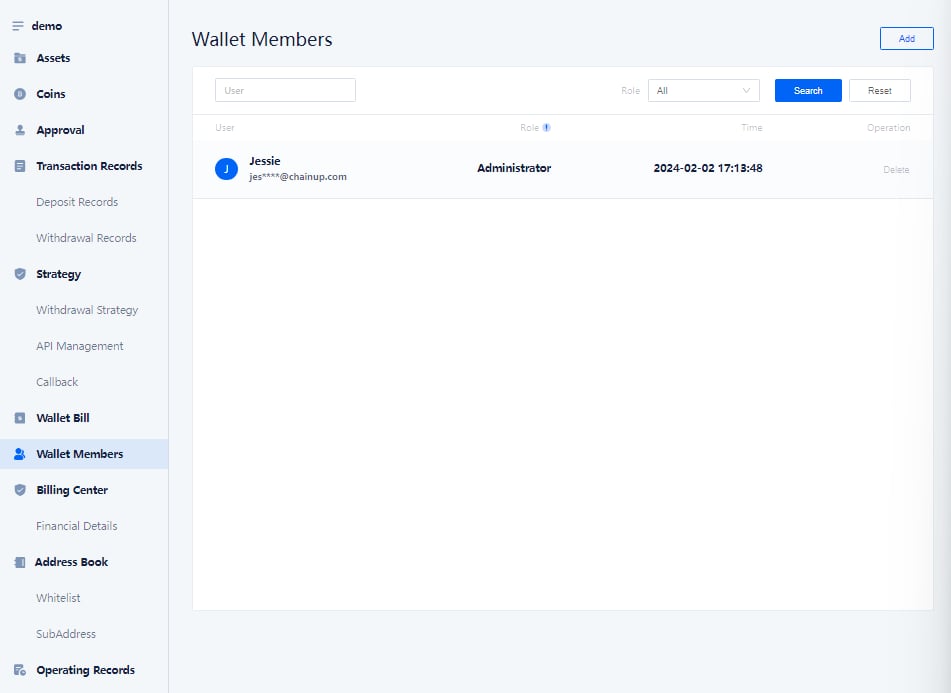
2
Add members as ordinary members
Click on the left navigation bar [Co-managed Wallet], select users from your contact list, and add them as ordinary members of the Keysecure wallet.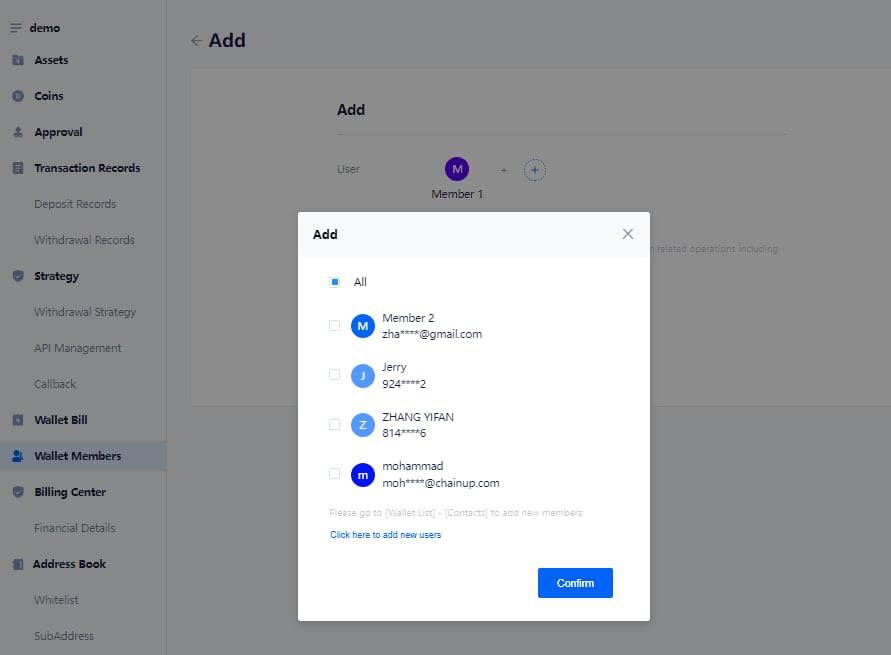
3
If the user is not in your team (contact list), you can enter the account
Enter the account registered with the Keysecure wallet (mobile number/email).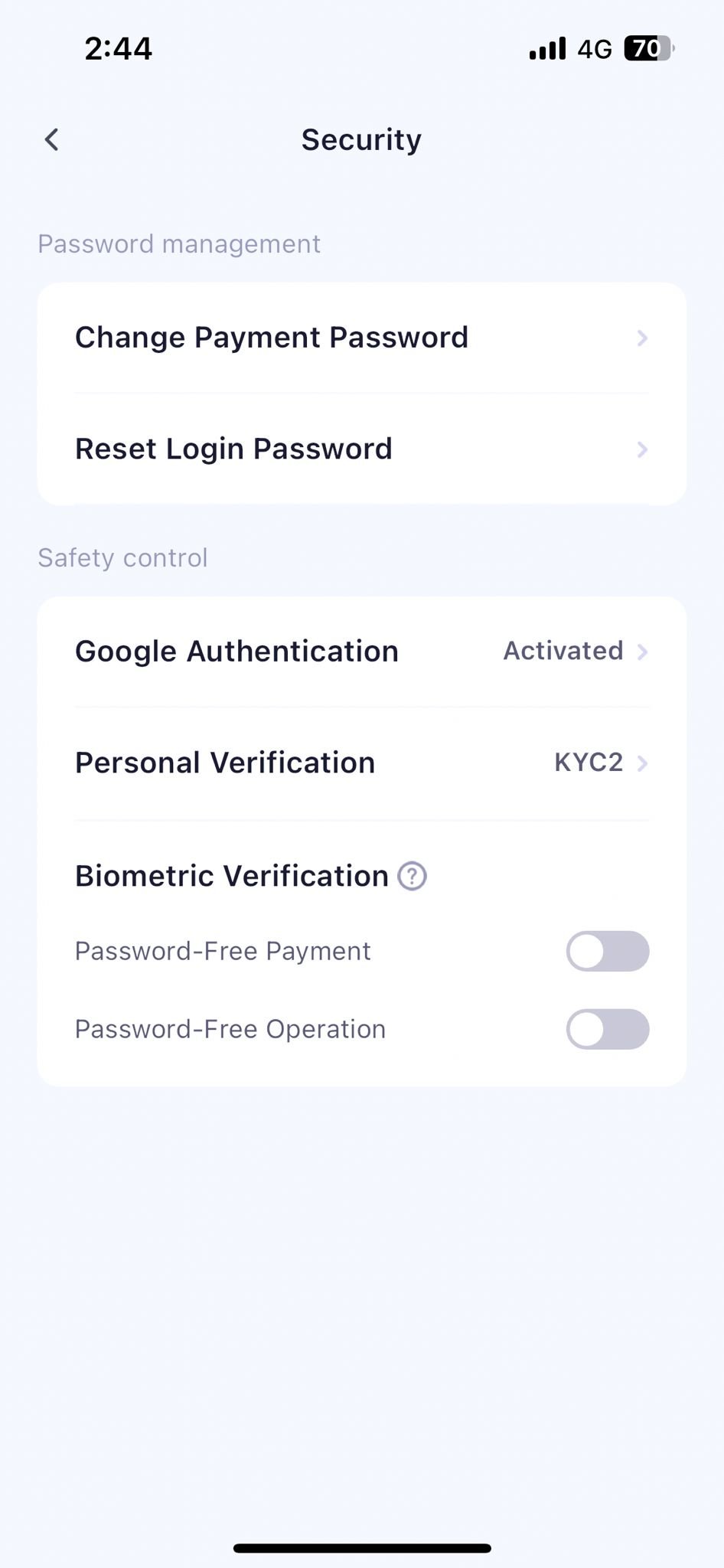
4
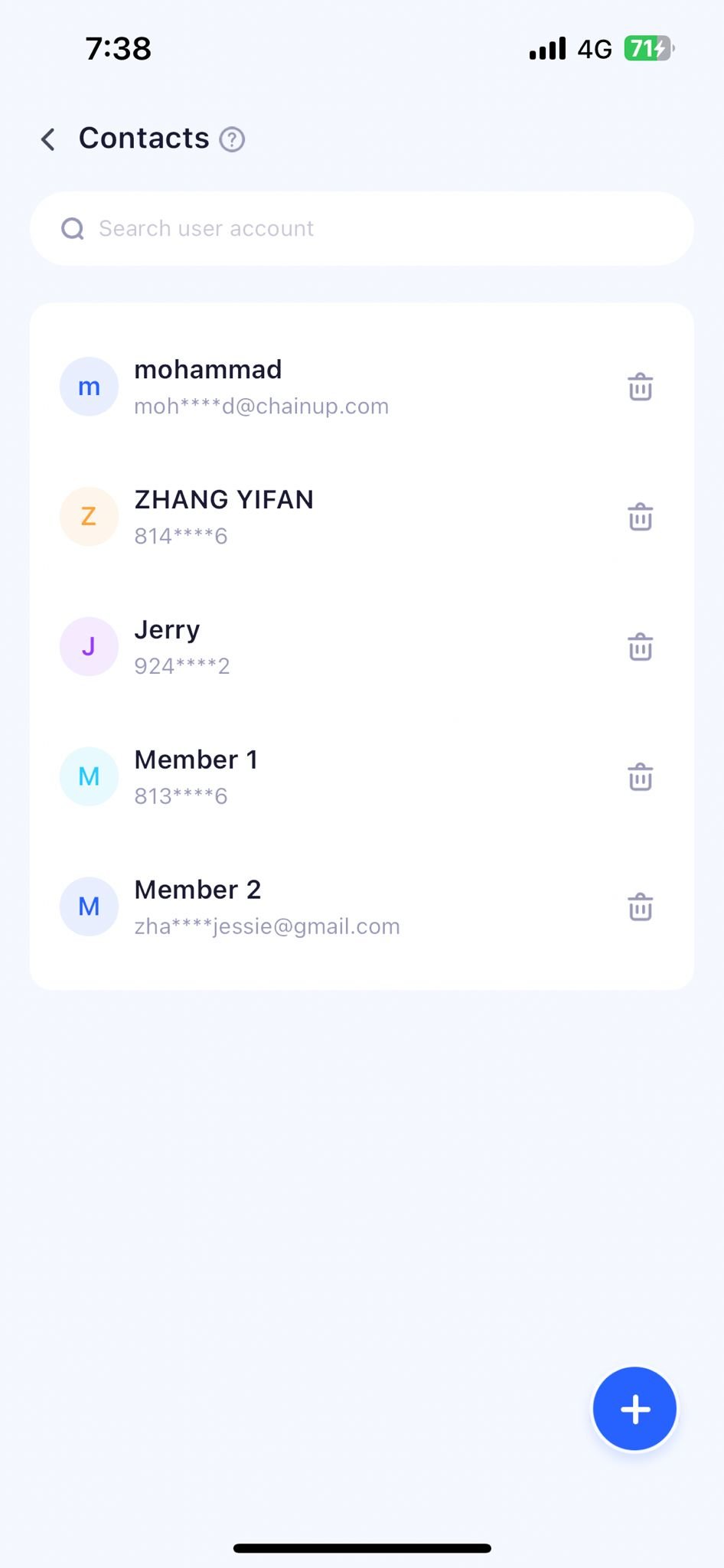
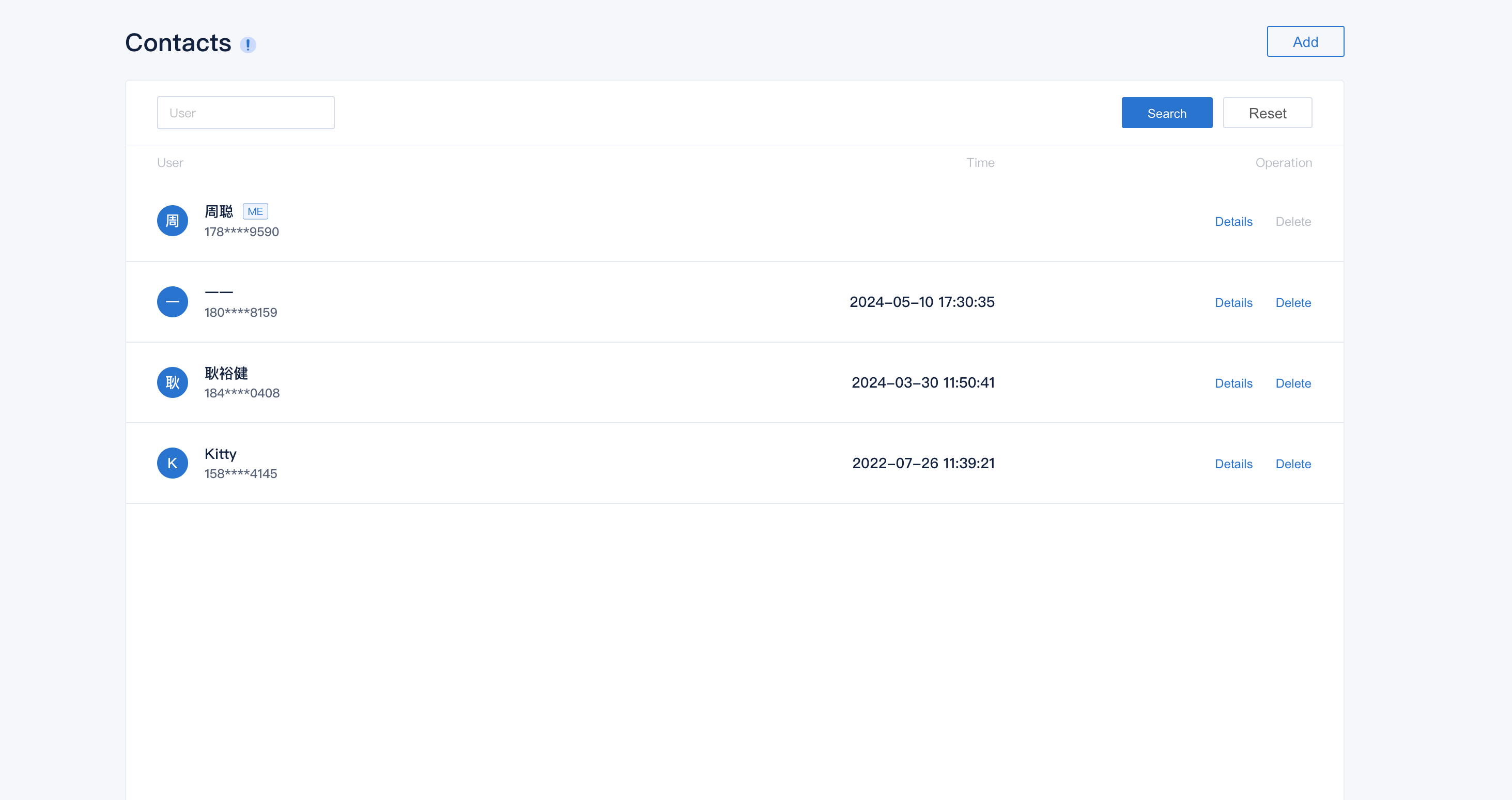
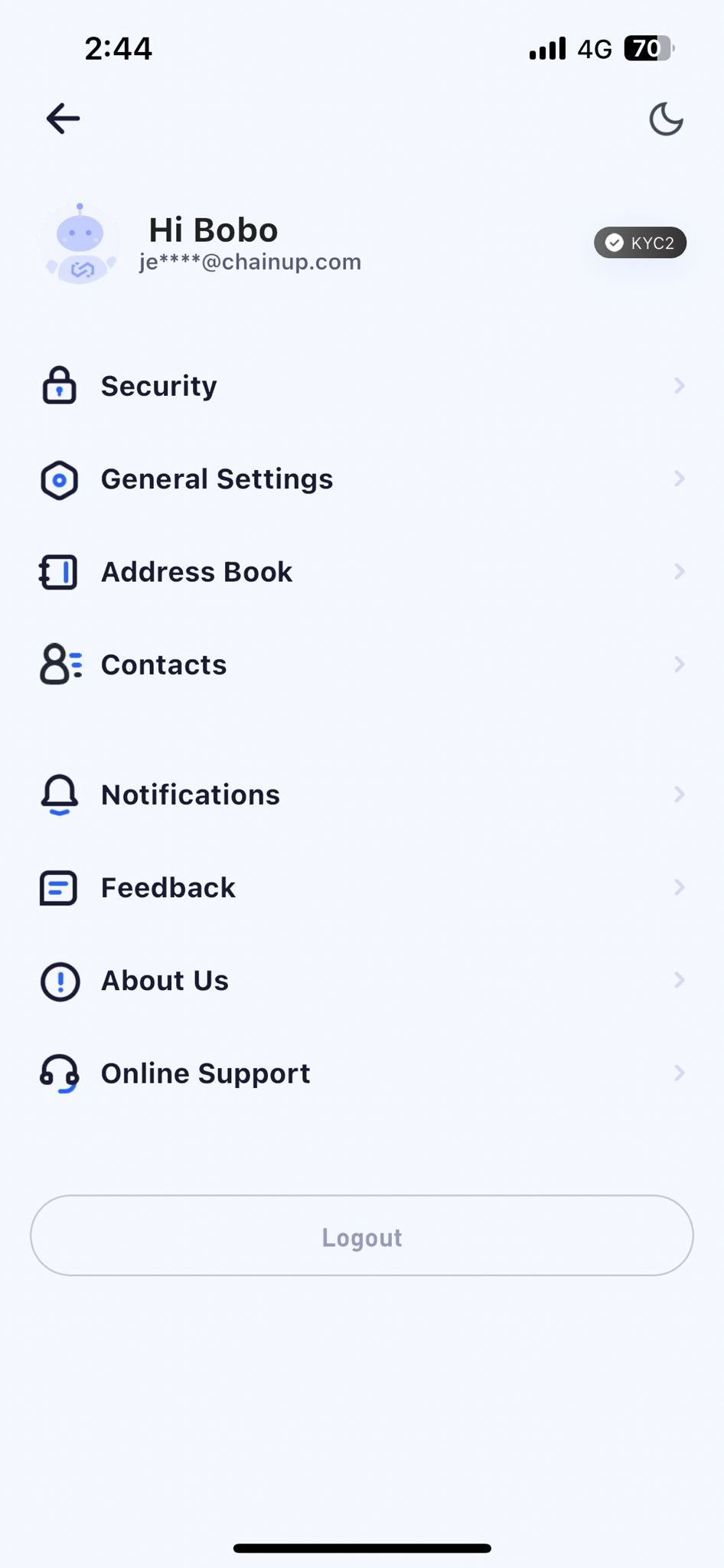
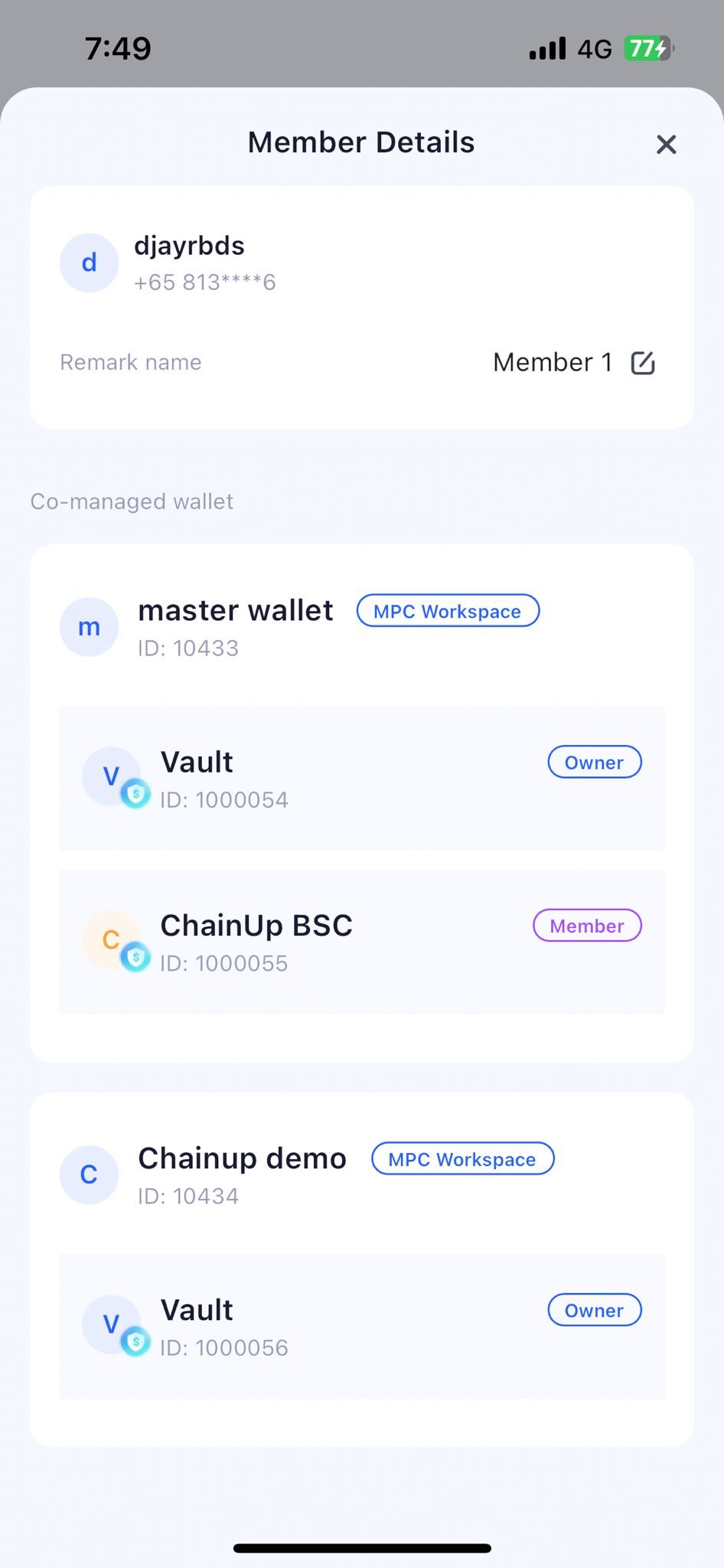
Use the contact list function to manage all team members
You can add or delete team members, modify the remark name, and view the role details of the member in different wallets.Path OneOpen the Keysecure PC platform in your browser, use the Keysecure APP, scan the QR code to log in using the [Scan Code] function on the homepage or cloud wallet, and click on the list page [Contact List].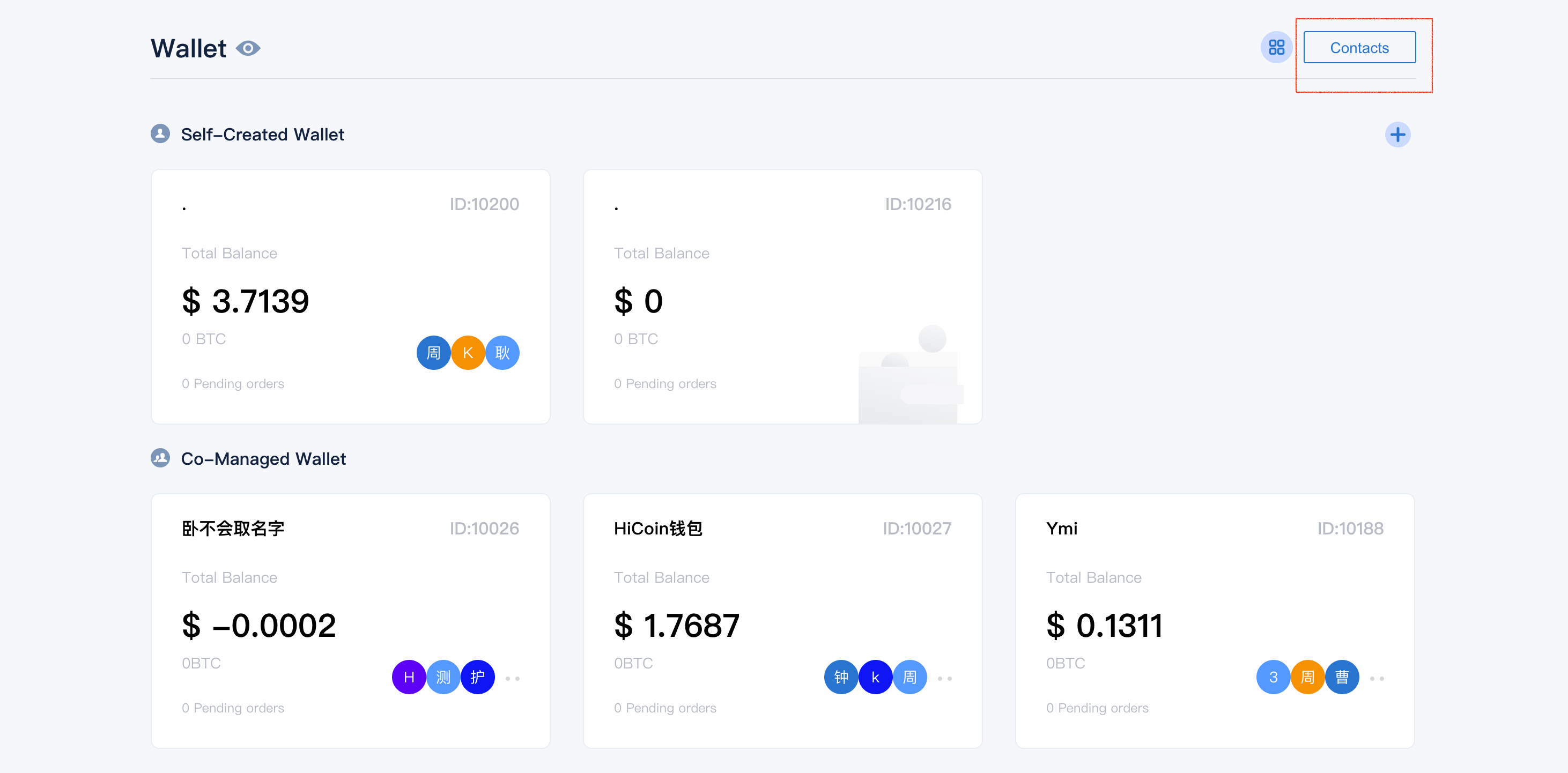
III. Frequently Asked Questions
How to modify a user's role?
How to modify a user's role?
The admin can modify the user’s role in the wallet settings. Please note that only the owner of the wallet can modify user roles.
If I am not the owner of the wallet, can I add users?
If I am not the owner of the wallet, can I add users?
Sorry, only the owner of the wallet can add users. If you are not the owner of the wallet, you cannot add new users.
Can I set multiple admins in one wallet?
Can I set multiple admins in one wallet?
Sorry, each wallet can only have one admin. The admin is the user who creates the wallet, and they have all the permissions of the wallet.
If a user is deleted, can they be added again?
If a user is deleted, can they be added again?
Yes, if a user is deleted, they can be added again. Please note that only the owner of the wallet can add users.