
I. Function Introduction
The withdrawal function allows users to transfer digital assets from their wallet account to an external address. This guide only explains page withdrawals, for API withdrawals, please refer to the API documentation link. In the enterprise wallet, for the sake of fund security and efficient approval, it is recommended to add an outflow strategy for valuable coins to ensure the safety and compliance of funds. The transfer process may differ depending on the role of the wallet members.II. Operation Procedure
1
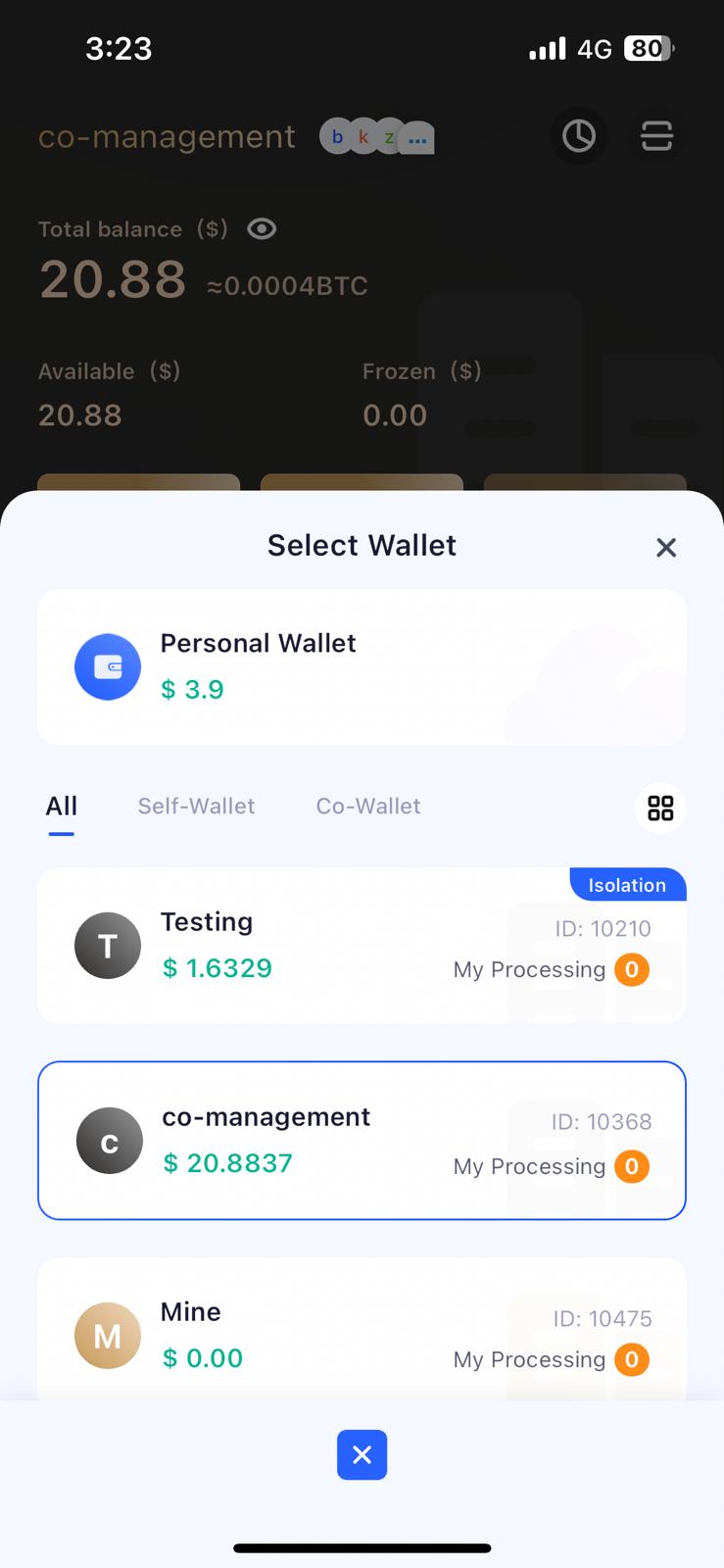
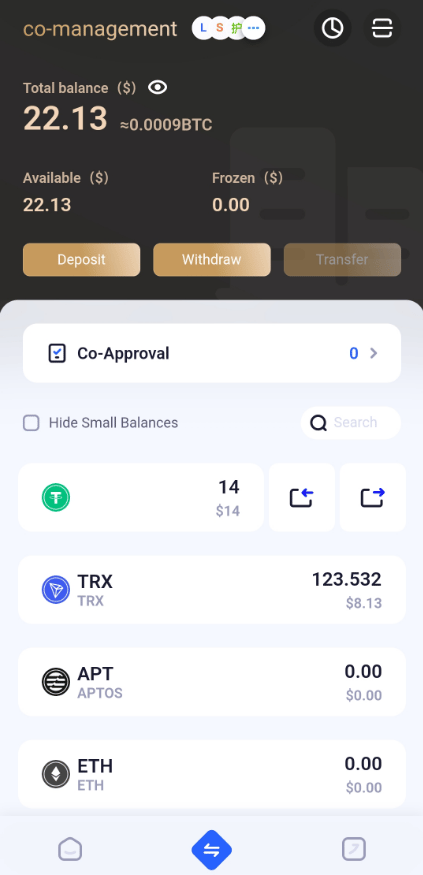
Select Wallet
2
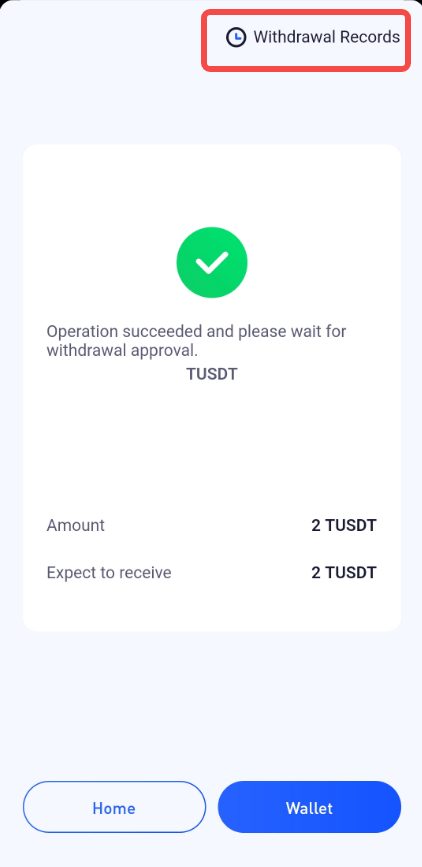
Fill in and Confirm Transfer Information
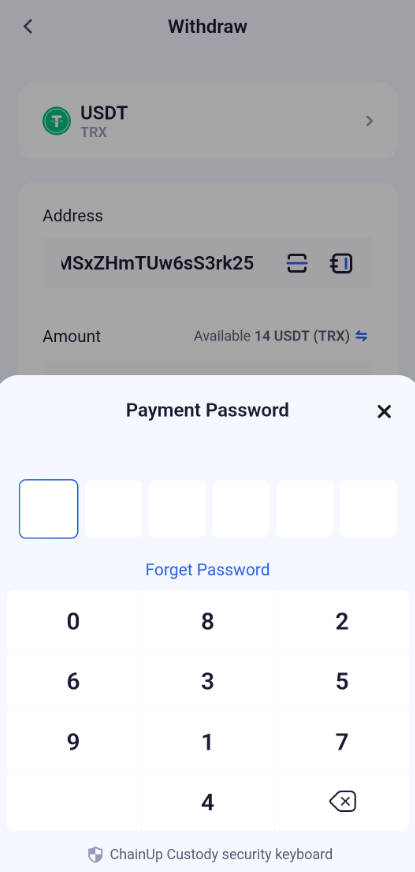
Enter and confirm withdrawal information, including withdrawal amount, withdrawal address, fees, etc.Ordinary members can only initiate transfersApproval members can initiate and approve transfer orders.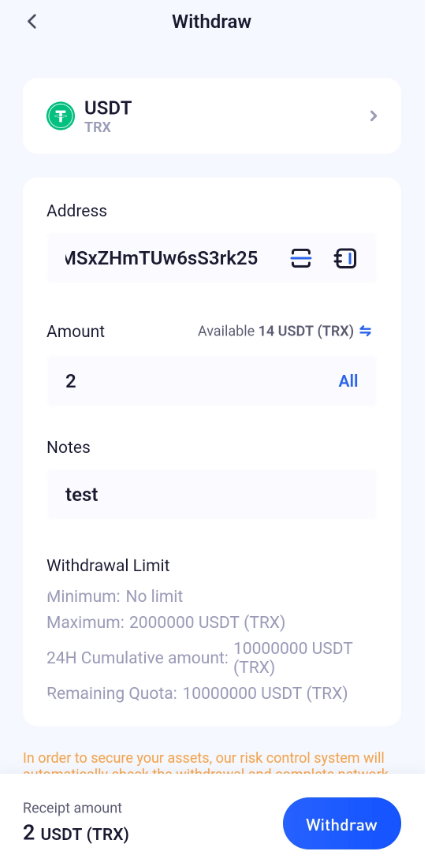
3
Approval Process
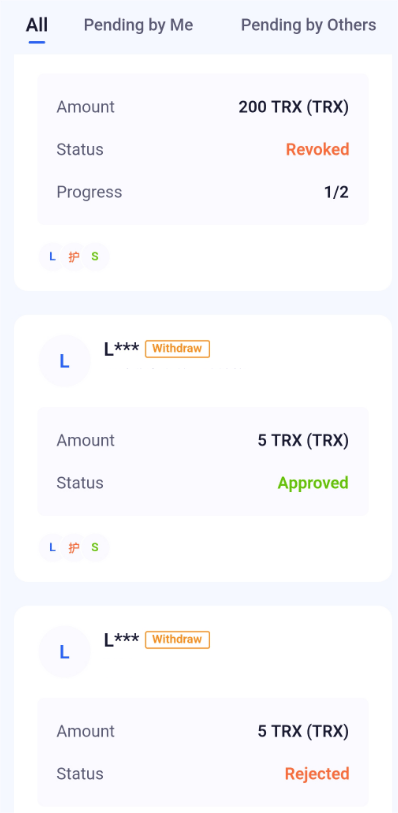
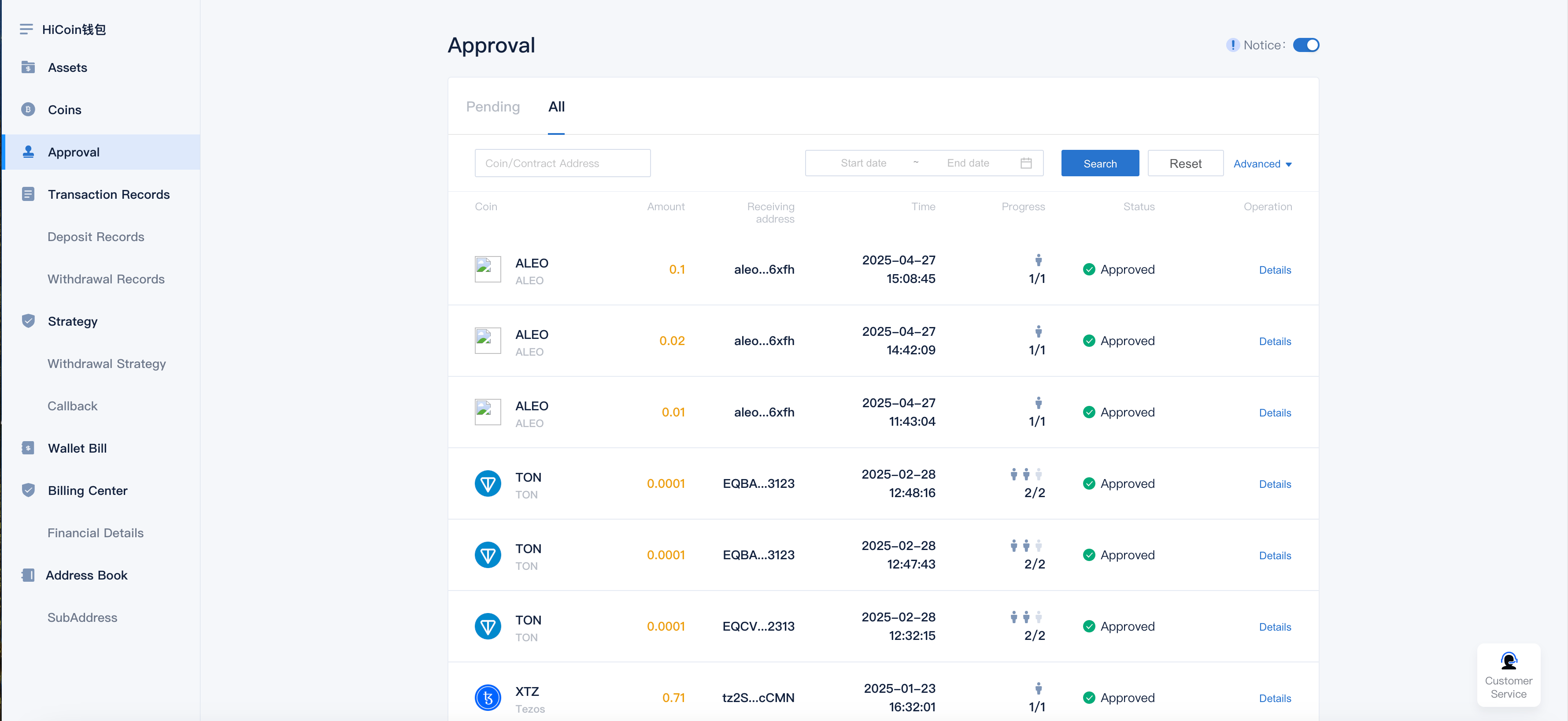
You can view approval details on the joint management approval page: all, waiting for my approval, waiting for others’ approval, approval completed, withdrawal retraction.APP operation page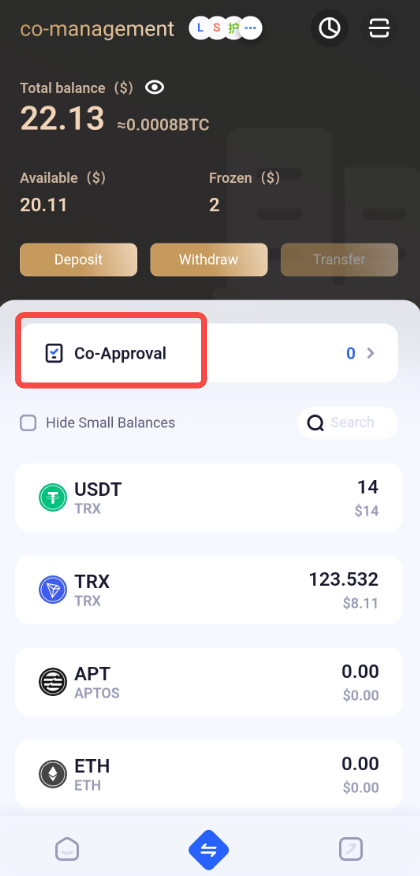
4
Transfer Success
After a successful transfer, funds will be transferred from the wallet account to the specified withdrawal address.If the withdrawal address is within the alliance, the alliance transfer method will be used, and it will not be on-chain.
III. Frequently Asked Questions
What to do if the funds have not arrived after withdrawal?
What to do if the funds have not arrived after withdrawal?
If the funds have not arrived after withdrawal, please follow these steps:
- Confirm that the withdrawal address is correct;
- Check whether the blockchain network confirmation number has met the requirements;
- If an outflow strategy was used, check whether the approval status has passed;
- If all of the above steps are correct, but the funds still have not arrived, please contact customer service for further processing.
How to add an outflow strategy?
How to add an outflow strategy?
Please log in to the PC wallet, find the outflow strategy setting on the corresponding coin page, and follow the prompts to operate.
How to check withdrawal records?
How to check withdrawal records?
Users can check withdrawal records on the coin page in the APP, or view, filter, and export in the withdrawal records on the PC.